More Features
Everything you would expect from a modern solution
Request forms are a great way to control which projects and tasks get approved.
Give your employees and clients the ability to submit project and work item requests.
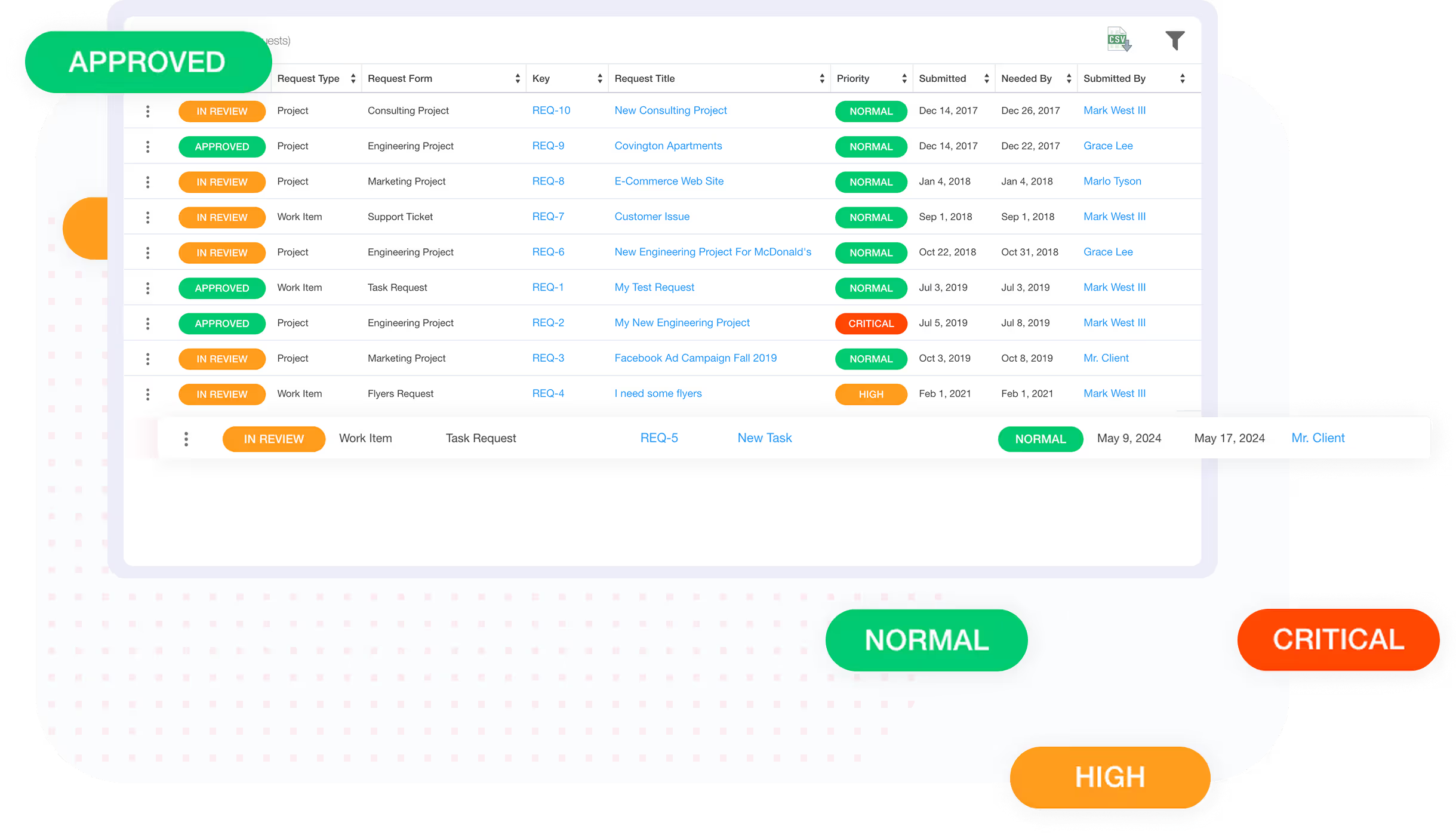
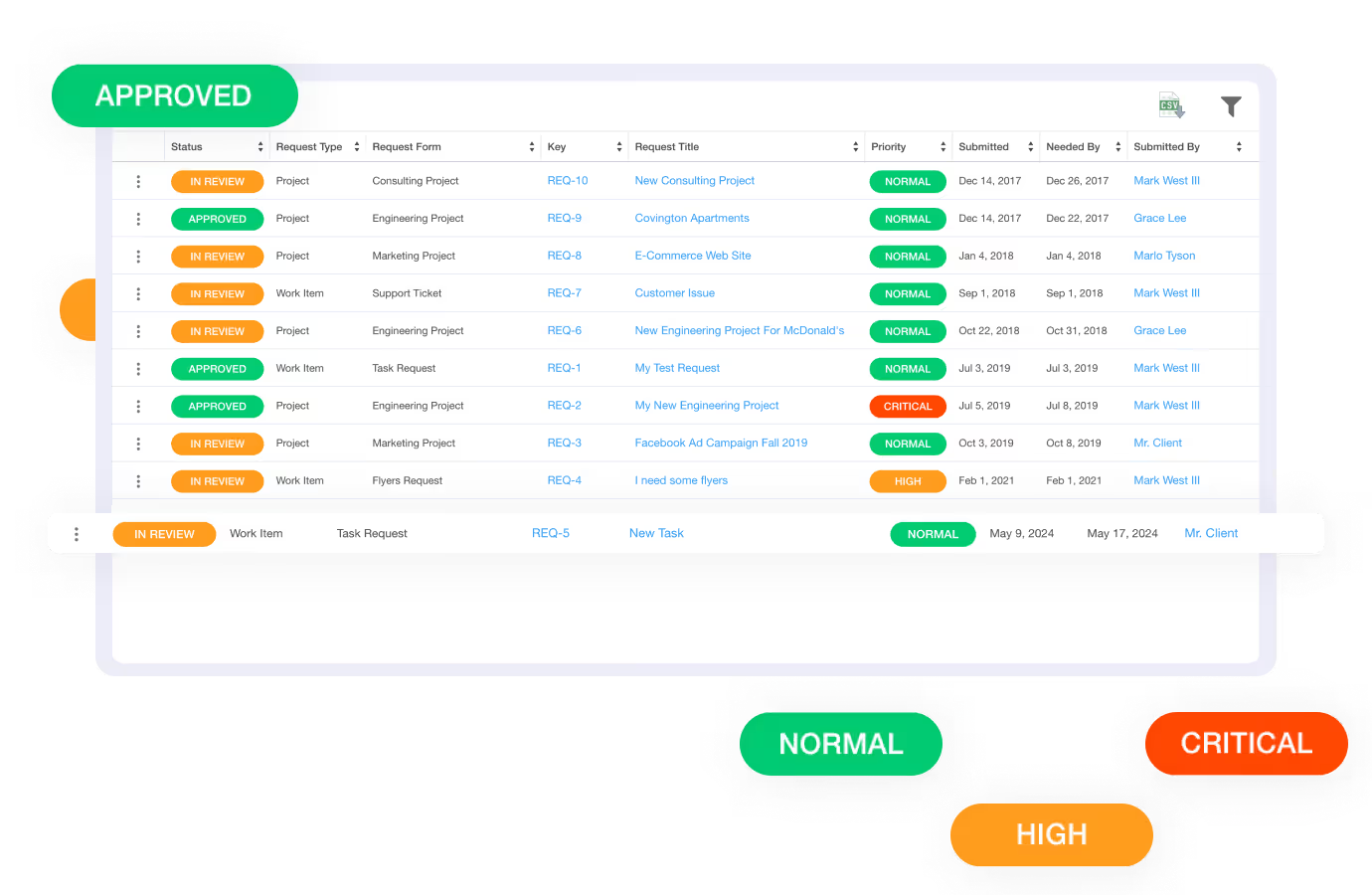
Request forms are a great way to control which projects and tasks get approved.
Give your team the ability to request projects and tasks
Give clients the ability to submit requests for projects and tasks
Request forms are highly customizable, with as many fields as you need
Create multi-tiered approval workflows that can change depending on the type of request
Give users the ability to request new projects.
Easily manage scope creep by requiring that new tasks are requested before being created (optional).
Flexible payment options. Non-profit or education? Contact us
A request is a customizable form submitted by an employee or client that, once approved, is automatically converted into a work item (e.g., project or task). This features enables the ability to required approval before work items are created.
Both internal employees and clients (via the free client portal) can submit requests.
Yes, fields on a request form can be configured as optional, required, or have a default value.
Yes, every request form utilizes an approval workflow where designated reviewers can approve or reject the request. A single user or multiple users can approve a request. You can also have an approval workflow that includes multiple stages of approval, where the reviewer(s) for each stage must enter their approval response before the reviewers in the next stage are prompted to enter their approval response.
Yes, requests can be edited before they are finally approved and converted into work items (i.e., projects, tasks, etc.).
Yes, you can enable an attachments option to allow users to upload files when submitting a request. These files will be attached to the approved work item.
When a request is approved, it is automatically converted into an actual work item, such as a project or task, based on the "Type" of request that was submitted. If the request is linked to a work item template, then all of the work items in the template will be created upon approval.
We take a customer-first approach. Our #1 priority is ensuring that you are successful on Ravetree!
Our world class support team is ready to help.
Get live video conference support when you need it!
Quickly get your questions answered with our in-app, live chat support feature.
Custom tailored onboarding session is included for free!