
Key takeaways:
- Judge each option by where logged hours become client bills, because task views are table stakes.
- Price the tier that contains the feature you need. BigTime Premier, Scoro Growth and Wrike Business show how far that can sit from the headline price.
- Pricing shape (per seat, per product or flat fee) changes who gets invited and what the tool really costs.
- Shortlist two or three and trial them with last month's real client data.
Picture an 18-person consultancy running three fixed-fee engagements and four monthly contracts out of one Smartsheet workspace. The grids are tidy and the Gantt view works. Then a partner asks which contract blew past its hours last month, and somebody burns an afternoon stitching exports together to answer. That's usually the moment people start searching for Smartsheet alternatives, and it's the lens for these 12 Best Smartsheet Alternatives & Competitors: how well does each tool connect the work to the money?
Smartsheet is a capable grid for project management, and plenty of teams never need more. The friction starts when the work is billable. Hours sit in one place, budgets in another, and the commercial terms live in a contract nobody has reopened since signing. Ravetree, the first tool below, was built around that gap, but it isn't the only way to close it. Some firms need a heavier services platform. Others only need a friendlier task tool and a better habit. Which camp you're in depends on a few specifics.
What to Test Before You Replace Smartsheet
Most roundups of project management software compare feature lists, which is how you end up with twelve tools that all promise Gantt charts, dashboards and automation. Features rarely decide it. Four checks do:
- Where an hour becomes a dollar. Does a logged hour reach a budget and a client bill inside the tool, or does it leave through a CSV?
- What each pricing tier switches on. The capability you came for often sits on the second or third plan, so price that plan, not the headline number. BigTime and Scoro both show this below.
- Who gets a seat. Per-seat pricing makes you ration access, while a flat fee lets freelancers and outside collaborators in freely. That changes how a team actually works.
- Who maintains it. Flexible tools need an owner. If nobody has that job, you'll rebuild your Smartsheet mess with nicer colors.
One shortcut helps. If your current sheets mostly hold tasks and due dates, you're shopping for a friendlier task tool. If they hold rates, budgets and hours, you're shopping for a platform that treats those as native data. Most of the 12 below fall clearly on one side; a few straddle it.
12 Smartsheet Alternatives, Compared by Fit
1. Ravetree: Best When Work and Money Share One Record
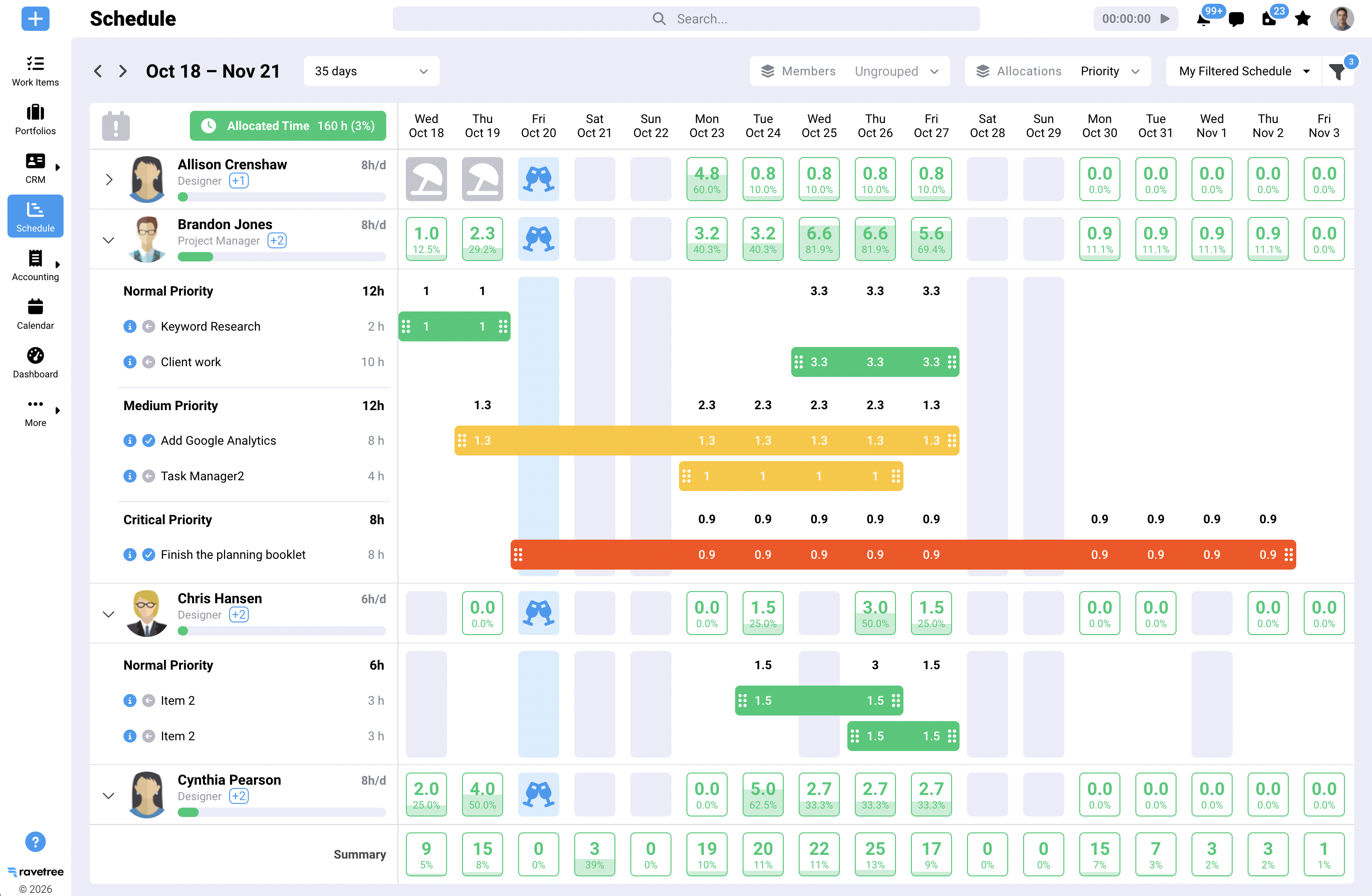
Ravetree is an all-in-one work management platform for agencies, consultancies and other client service firms, and its premise is that nothing leaves the system between the first conversation and the final payment. A CRM tracks deals, proposals are built from templates or past projects, and requests forms give clients one front door for new work. From there, resource planning shows capacity, time tracking feeds budgets, expense tracking connects to purchase orders, and retainers are watched in both hours and dollars. A client portal shows status, and billing and invoicing draws on approved time.
Reviewers on G2 and Capterra keep returning to two themes: project budgeting that replaced spreadsheets, and a support team that actually responds. Ravetree's own guidance is that most agencies keep a dedicated accounting package for payroll and tax, and it connects to accounting tools such as QuickBooks and Xero. Software Advice lists it as a single plan, which sidesteps tier math, though you should confirm current terms.
It fits small and mid-sized firms that sell a mix of fixed-fee, hourly and recurring work. It's overbuilt for a four-person shop that only needs task lists.
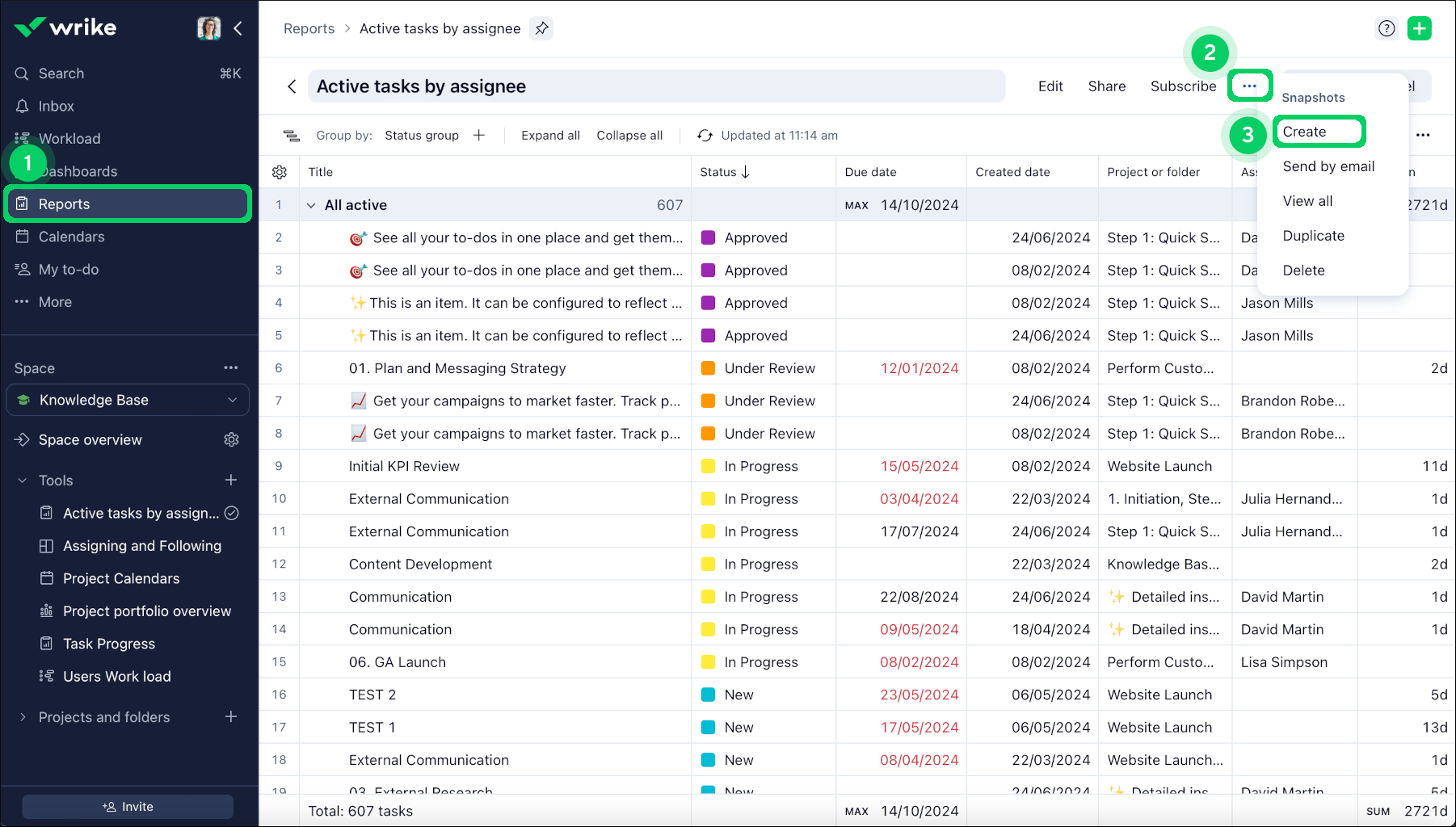
2. Wrike: Best for Cross-Functional Teams With Heavy Workflows
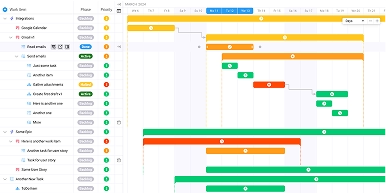
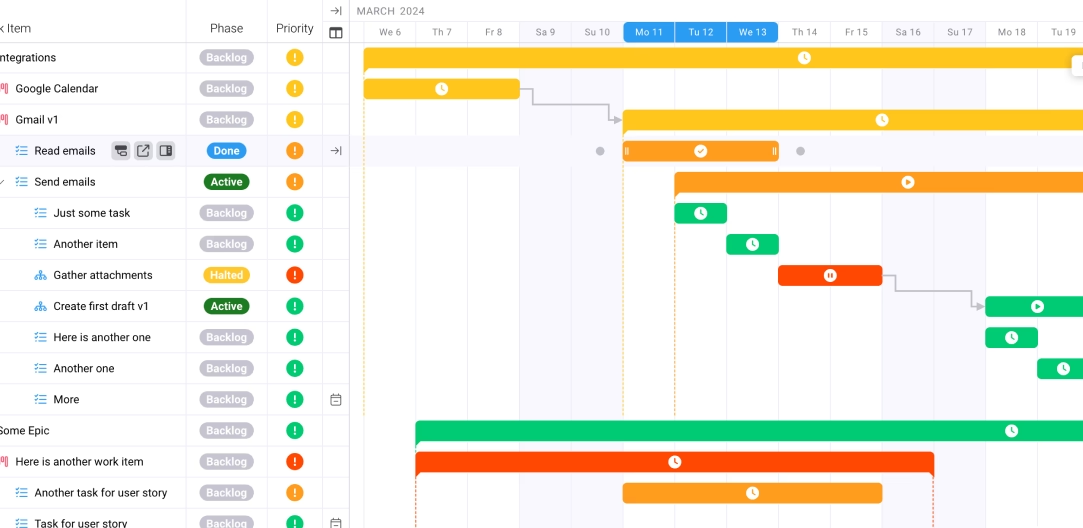
Wrike suits teams whose Smartsheet habit has spread past one department, with marketing, operations and IT all feeding the same intake and approval flow. Per Capterra's pricing listing, the Team plan costs $10 per user for 2 to 15 users and includes interactive Gantt charts and custom workflows, while Business costs $25 per user for 5 to 200 users and adds resource and capacity planning. Those user bands decide which plan you're even eligible for, so read them before you shortlist. A 20-person firm, for instance, can't use Team at all and lands on Business from day one.
Billing and retainer tracking aren't Wrike's center of gravity. Firms that charge by the hour usually end up pairing it with a separate billing tool, which is a sensible setup if your finance process is already solid and you mainly want better delivery visibility.
3. Asana: Best for Teams That Need People to Actually Open the Tool
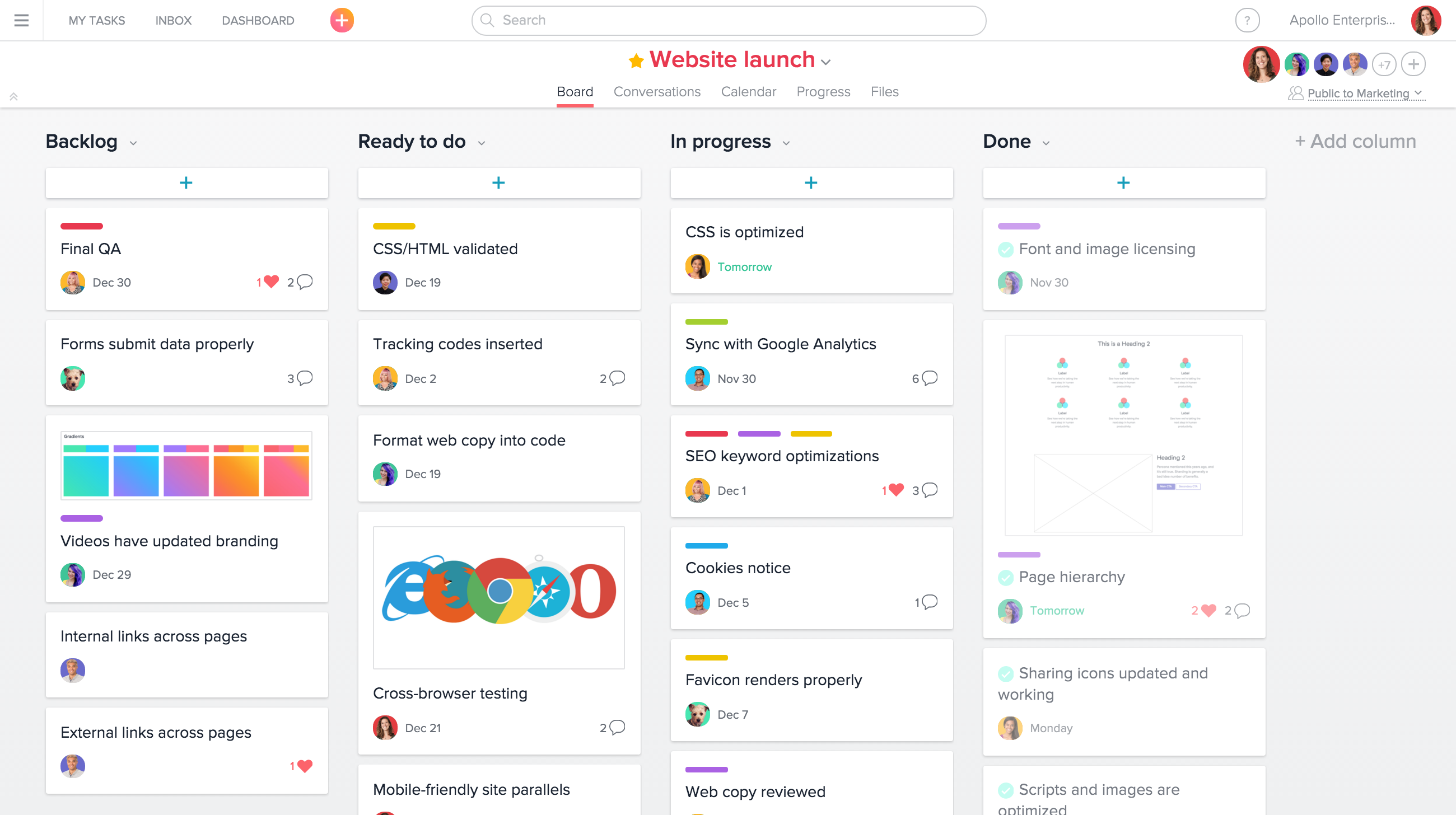
Asana is what many Smartsheet defectors pick when the real complaint is that nobody likes opening the grid. List, board, timeline and calendar views make adoption easy, and automation rules cut down on chasing. Starter runs about $10.99 per user and Advanced about $24.99 on annual billing, with the workload view on the pricier plan.
The catch for service firms is that Asana doesn't natively handle billing or invoicing, and its workload view offers only basic resource management. Profitability questions still land in another system. Per-seat pricing also means every contributor adds cost in a straight line. It's a strong fit for internal teams and campaign planning, and a weaker one when clients pay by the hour.
4. BigTime: Best for Firms That Live on Timesheets
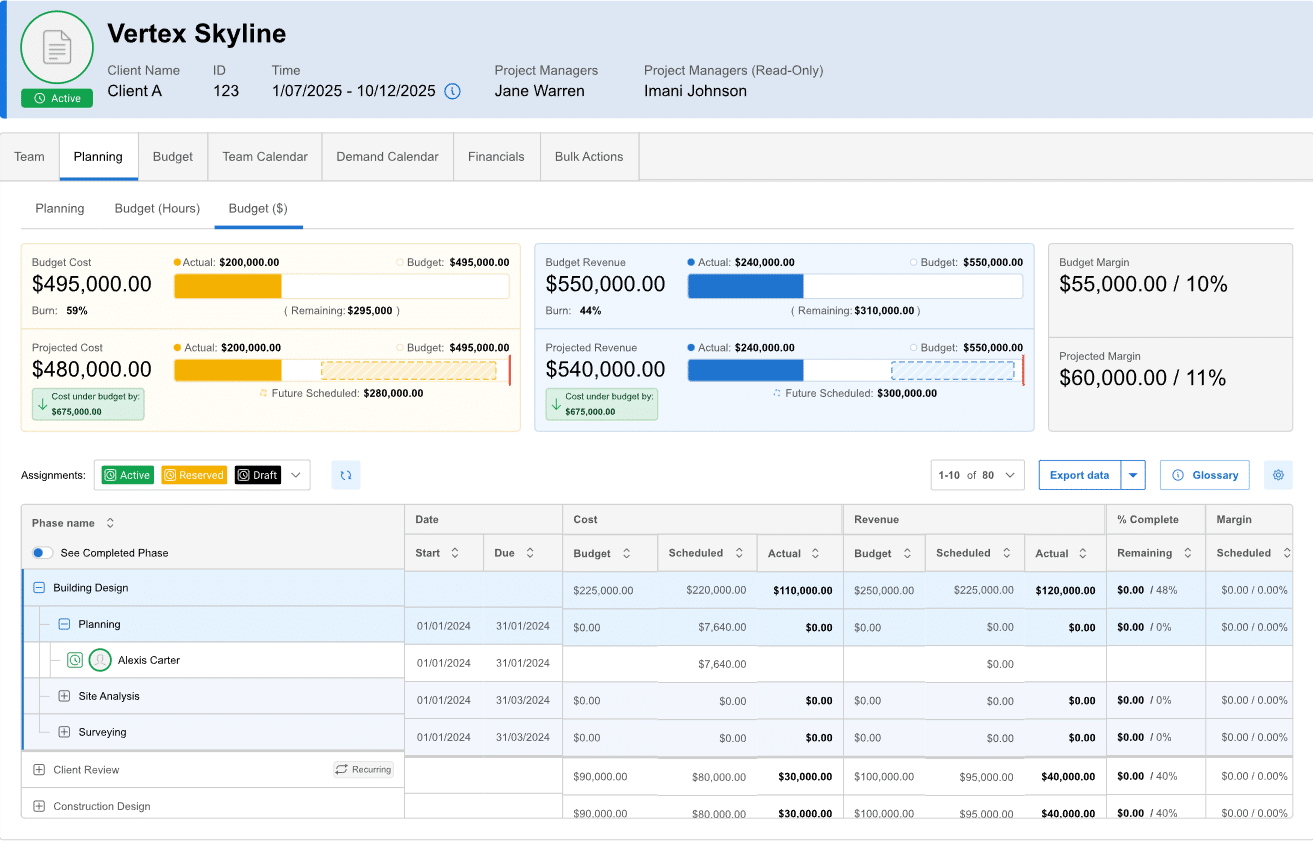
BigTime puts time, expenses and billing first. Capterra lists Essentials at $20, Advanced at $35 and Premier at $45 per user each month, and the tiers matter. Client portals and project templates start at Advanced, while project budgeting, multi-level approvals and resource planning arrive at Premier. At list price, a 12-person firm that needs budgets and capacity planning pays $540 a month, against $240 on Essentials. Advanced also includes DCAA compliance, which matters if you do government contract work.
Review sites flag an interface that takes some getting used to. If the question you most need answered is what you billed versus what you spent, BigTime belongs on the shortlist. If you want pretty boards, look elsewhere.
5. ClickUp: Best for Configurable Teams on a Tight Budget
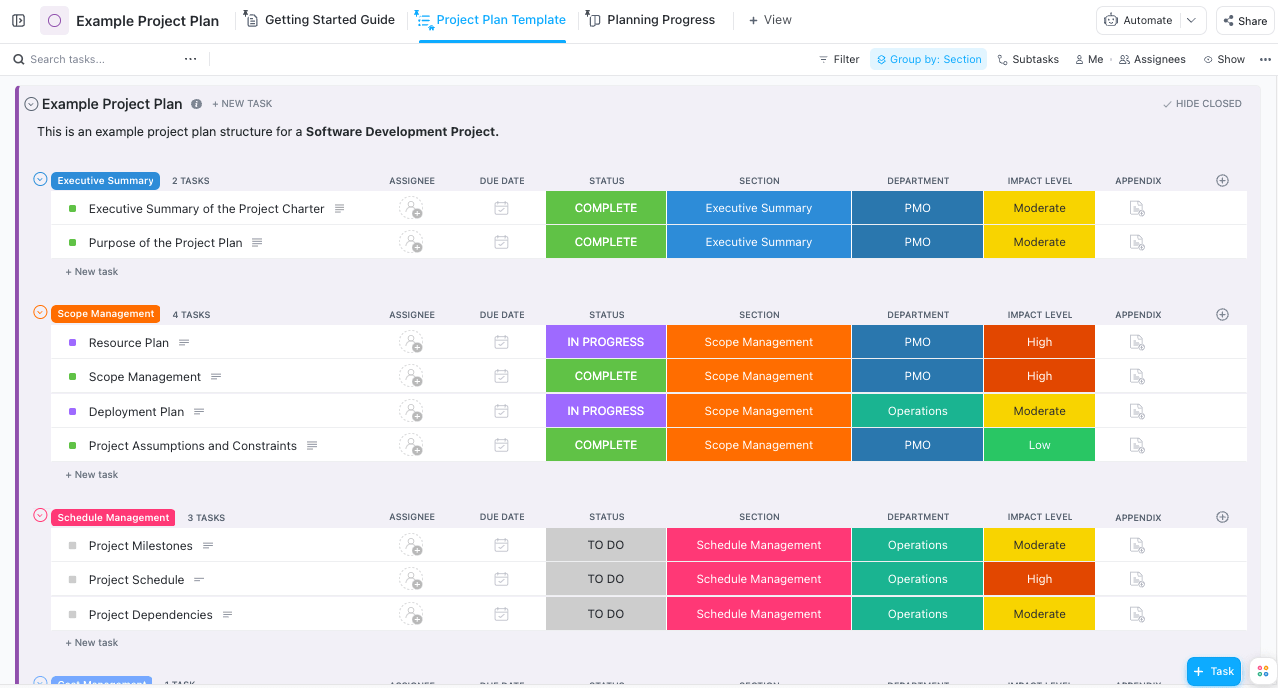
ClickUp tries to be everything at once: tasks, docs, goals, whiteboards and time tracking on paid plans. Entry prices sit among the lowest here, but its AI features are sold as a separate per-member add-on, so check the total before comparing sticker prices. Several pricing guides list native time tracking and guest access on its lower paid plans, which is unusual at this price. Reviewers on software review sites mention slower performance and a crowded interface.
The honest read is that ClickUp rewards someone who enjoys configuring and punishes teams without that person. It has no billing engine either, so hours tracked there still have to travel somewhere else to become invoices.
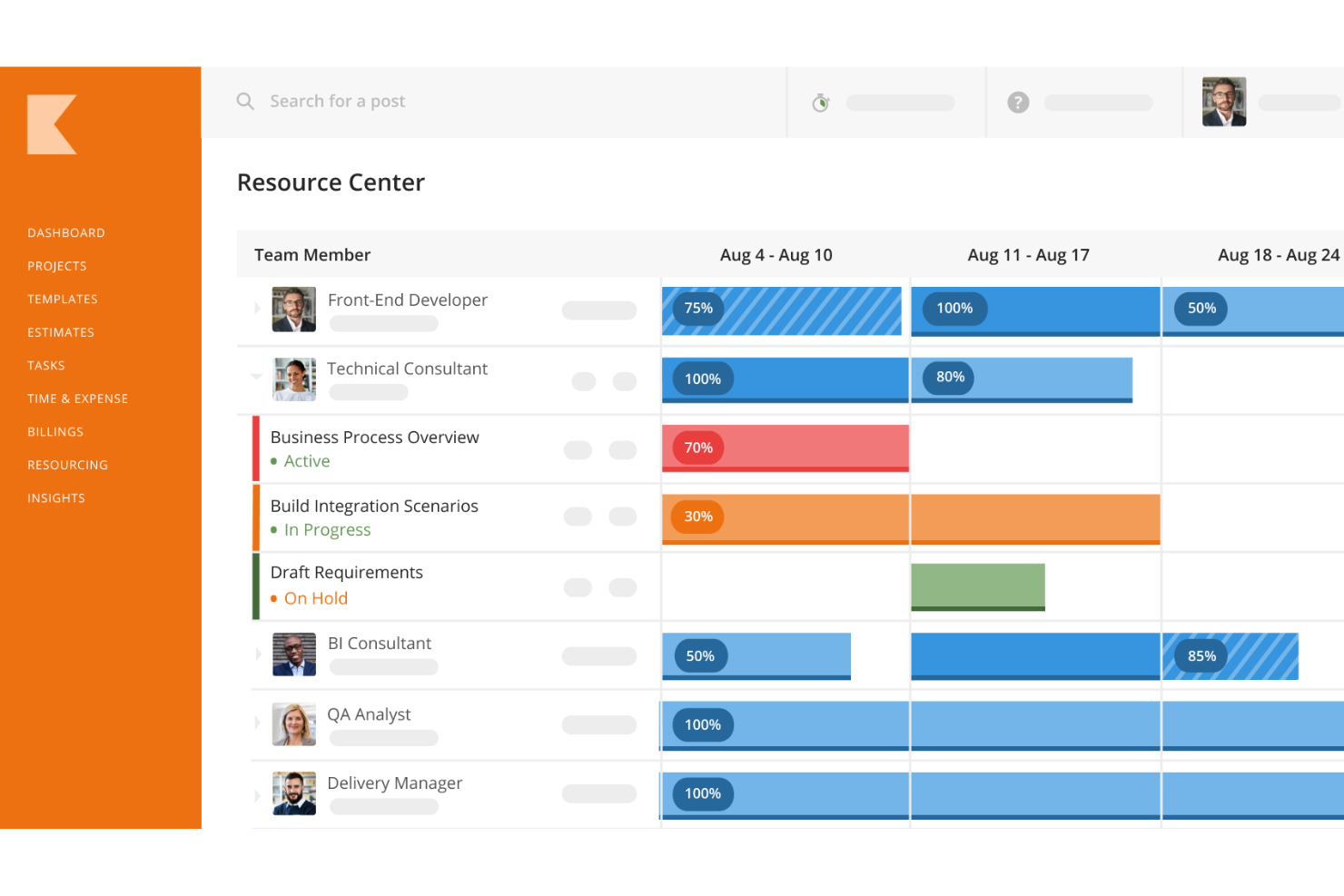
6. Kantata: Best for Large Professional Services Organizations
Kantata, formerly Mavenlink and Kimble, is a full professional services automation platform covering resource management, project financials and forecasting. It positions itself at organizations of roughly 50 to 5,000-plus employees, and pricing is by quote. Capterra's summary of reviewers says most find it expensive, especially for small businesses, and some describe a learning curve before the setup pays off.
If you have an operations team, a finance team and several hundred billable people, that investment makes sense. At 20 people, it's likely more system than you'll staff.
7. Celoxis: Best for Reporting-Heavy Portfolio Management
Celoxis leans toward portfolio-level control, with projects, resources and budgets rolled into customizable dashboards. Capterra lists plans from Core at $10 per user up to Business at $45, with Core covering Gantt charts, project templates and aggregated dashboards and the Essential plan and above adding advanced scheduling and baselines. Reviewers praise the reporting and visibility, and some call the interface dated.
That makes it a fit for a PMO or an IT services team that wants analytics more than client-facing polish. If you invoice clients by the hour, confirm exactly how it handles that during a trial.
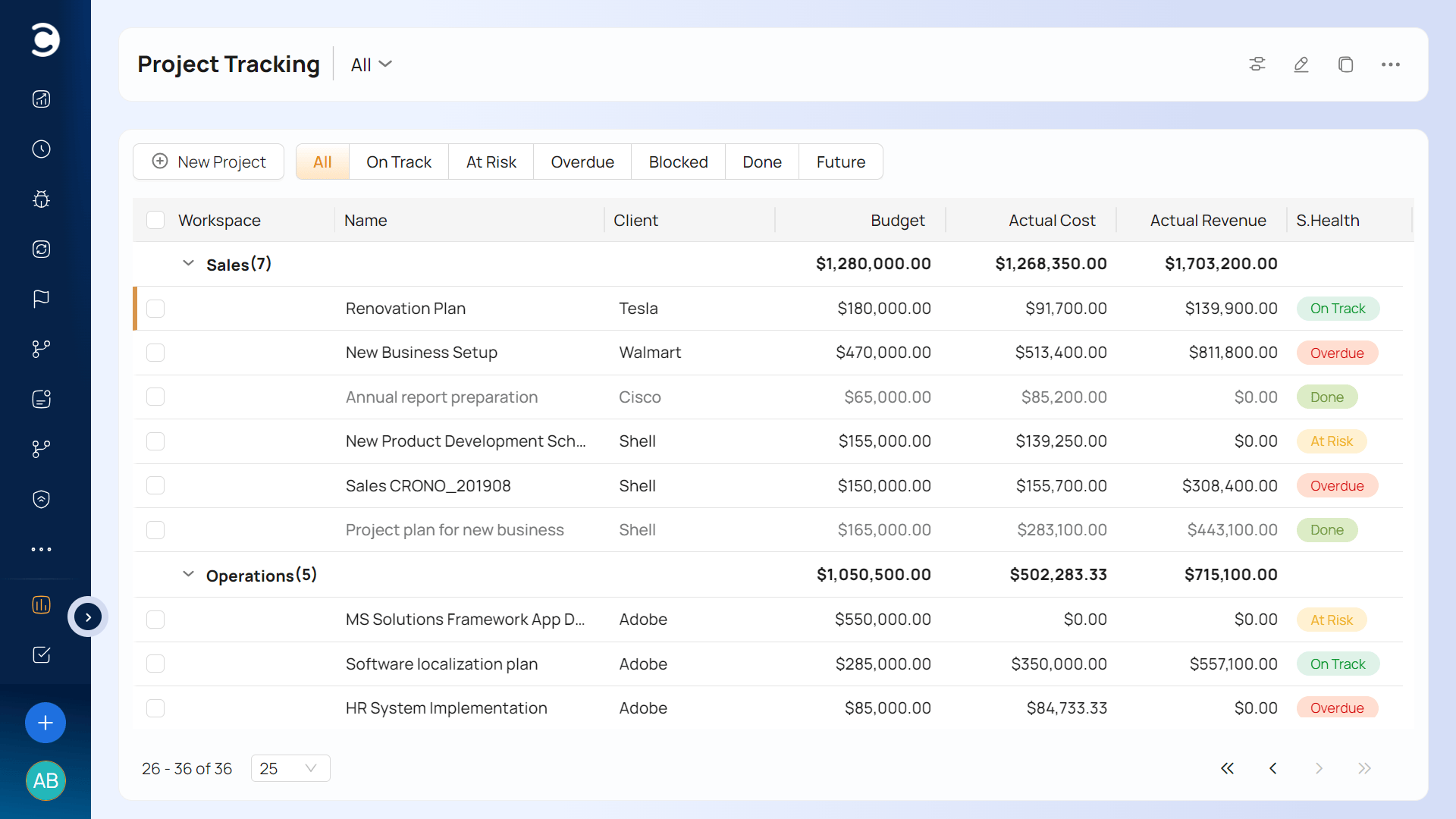
8. Scoro: Best for Agencies That Need Budgets and Planning in One System
Scoro targets agencies and consultancies that want projects, resources and finances together. Capterra lists Core at $23.90, Growth at $38.90 and Performance at $59.90 per user per month. By those plan descriptions, project budgets and retainers start at Growth rather than Core, so a ten-person agency that sells monthly work should price roughly $389 a month, not $239. That's the tier trap in miniature.
Core still includes resource management and Gantt charts with dependencies, so a team that mostly needs scheduling can stay there and never touch the pricier plans. Move up only when budgets and recurring work become part of how you sell. Pricing aside, Scoro is a credible all-in-one option for agencies willing to pay for depth.
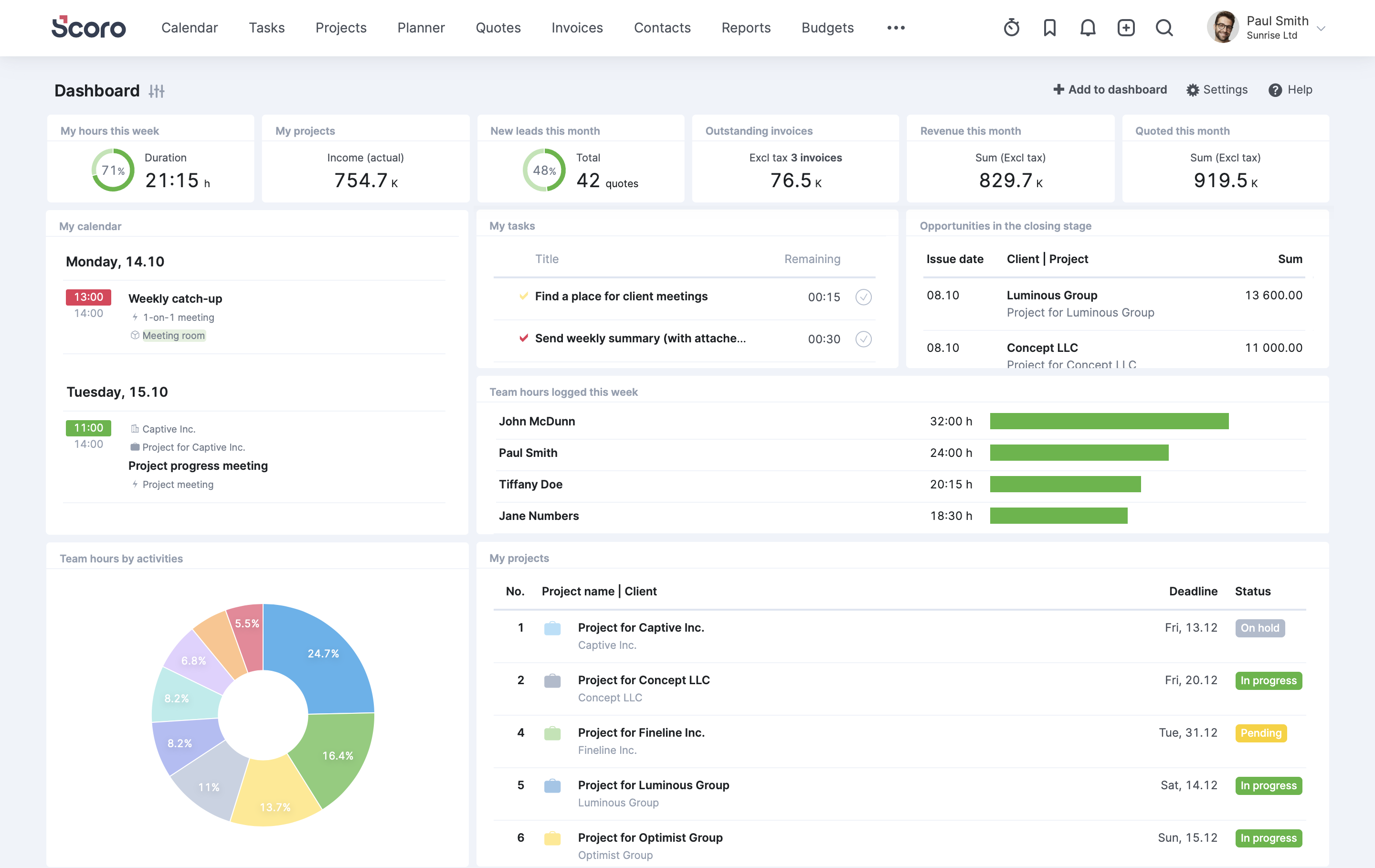
9. Accelo: Best for Firms That Want CRM, Delivery and Tickets Bundled by Module
Accelo treats client work as a lifecycle, running from sales pipeline through delivery, tickets and recurring work. Its pricing is modular: Capterra's UK listing shows Premium at $39 per user, per product, per month on an annual contract. Per-product pricing means buying sales, projects and recurring work separately multiplies the cost, so get a quote for your actual combination before comparing.
Most G2 reviewers are small businesses, though a few wish the reporting went deeper. It suits firms that want ticketing and CRM beside delivery and don't mind a sales conversation to see numbers.
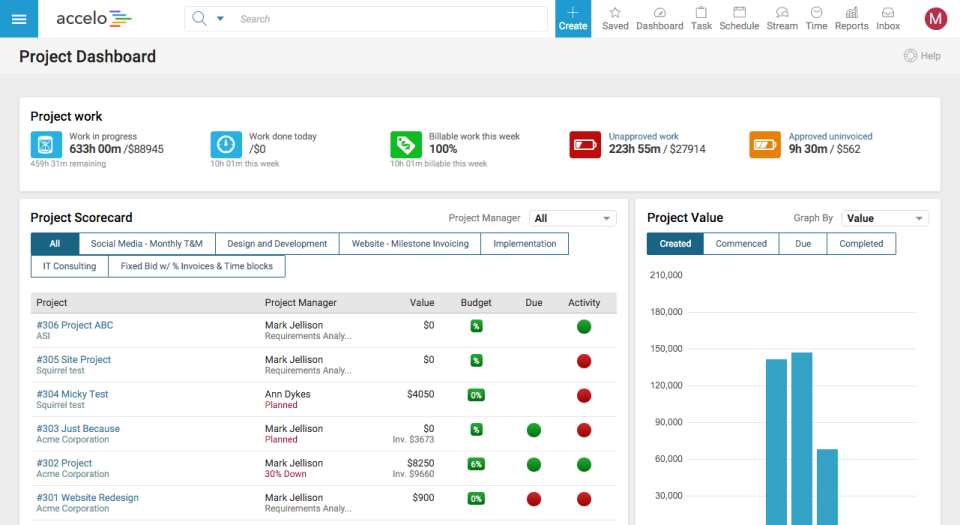
10. Synergist: Best for UK Agencies That Want a Specialist System
Synergist is built in the UK by a company founded in 2003, with per-user pricing that starts around £13 a month for timesheet-only users. It covers CRM, job costing, project management, resource planning, timesheets, expenses, billing and reporting for agencies and consultancies. Two decades of agency-specific job costing is its home turf. Listings show separate rates for timesheet-only users and full users, which helps if most of your staff only log hours and a handful run the business side.
Outside the UK, check support hours and accounting integrations before you commit.
11. Monday: Best for Visual Boards and Non-Technical Teams
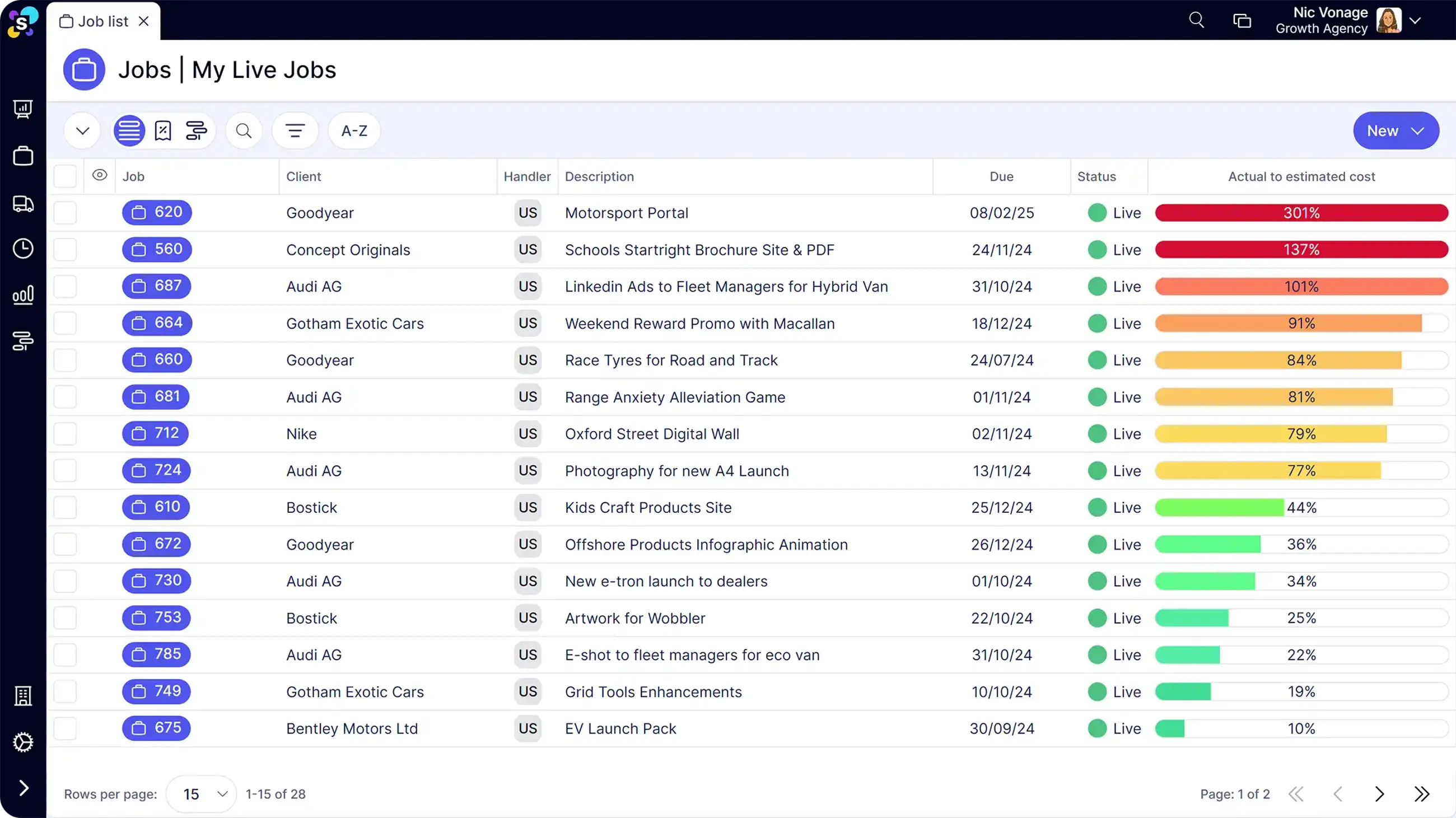
Monday is the most visually friendly option here, with color-coded boards, strong automations and a large integration library. For service firms the catch is gating. Time tracking is only on the Pro tier, and paid plans carry a three-seat minimum. A team that bills hours therefore pays for the higher plan and still invoices elsewhere.
It works when a dedicated ops person builds the boards and everyone else just updates them. It falters when nobody owns the setup, and per-seat costs add up as the team grows.
12. Basecamp: Best for Small Teams That Mostly Need Communication
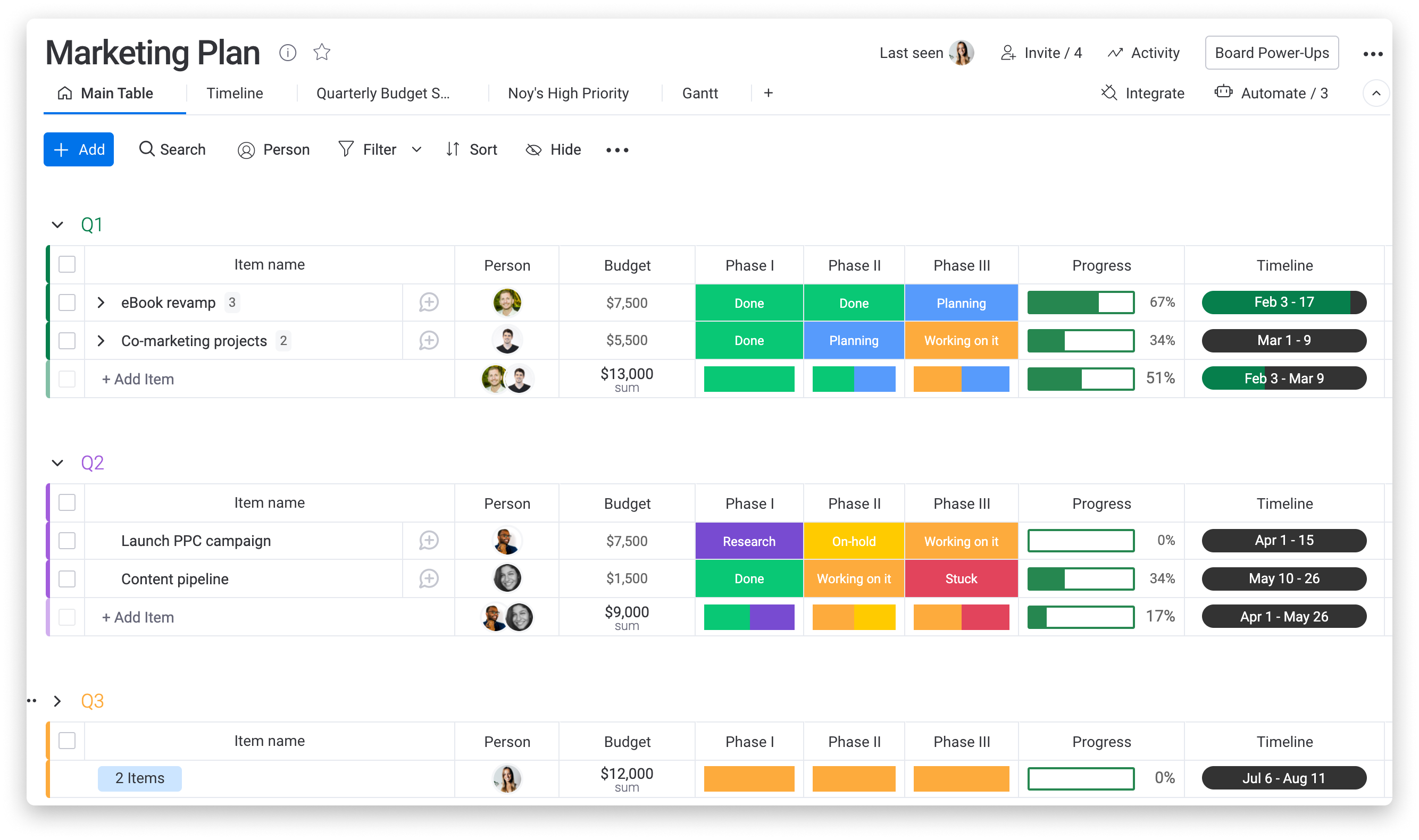
Basecamp bundles message boards, to-do lists, files, schedules and group chat in one flat structure. TechRepublic's review notes no native time tracking and describes a flat-rate Pro Unlimited plan for unlimited users alongside a per-user plan. That flat fee is Basecamp's quiet advantage for agencies with many freelancers or client collaborators, since inviting someone doesn't change the bill.
It breaks down the moment you need to know how many hours a client consumed, which is the same question that sent you looking for Smartsheet alternatives in the first place.
Matching the Tool to Your Situation
- Mostly tasks, little billing: Asana, Monday or ClickUp, depending on whether you want polish or configurability. Basecamp if you're under ten people and communication is the headache.
- Cross-functional delivery with approvals: Wrike.
- Hourly or timesheet-driven work: BigTime, with Ravetree or Synergist as broader options.
- Mixed fixed-fee, hourly and recurring work at 10 to 200 people: Ravetree, Scoro or Accelo.
- Large services organization with separate ops and finance teams: Kantata, or Celoxis if reporting is the priority.
My position: for most billable-work teams, shortlist Ravetree, Scoro and BigTime, then run the same two-week trial. Load last month's real data, meaning one recurring client, one fixed-fee project and one blown budget. When you test capacity, aim for utilization near 80%, which Ravetree's checklist for client service firms recommends over running everyone flat out. Skip the scripted demo and ask each vendor to show one logged hour becoming a line on a client bill. If you can't say what a client cost you without leaving the tool, cross it off. Smartsheet alternatives look interchangeable on a feature page and very different on real data.
Start With the Question Smartsheet Can't Answer
The best tool is the one that answers your most expensive question without a spreadsheet detour. For a client service firm that question is usually about money, which puts Ravetree, Scoro, BigTime and Accelo near the top of these 12 Best Smartsheet Alternatives & Competitors, with Wrike, Asana and Monday as better bets for task-first teams. Pick two, load real data, and let the trial decide. If you want to see one record carry a client from first deal to final bill, a Ravetree demo is a sensible place to begin your search for Smartsheet alternatives.
Frequently Asked Questions
Which Smartsheet alternatives include invoicing?
Ravetree, BigTime, Scoro, Accelo and Synergist all cover client billing. Asana, Wrike, ClickUp, Monday and Basecamp generally need a separate invoicing tool or integration, so verify the exact plan you'd buy.
Are cheaper Smartsheet alternatives really cheaper?
Often not, once you price the plan that holds the feature you need. Wrike's $10 Team plan, for example, leaves resource and capacity planning to the $25 Business plan.
Do I need a paid seat for every client or freelancer?
It depends on the pricing model. Basecamp's flat-rate plan covers unlimited users, and Ravetree's client portals let an unlimited number of clients see project status, while per-seat tools like Asana charge for every contributor.
Is a team under ten people better off with a simpler tool?
Often, yes. If you don't bill by time or sell recurring work, Basecamp, Asana or Monday will cost less and take less setup. Once hours drive revenue, a platform that connects time to budgets is worth the extra effort.