

Key takeaways:
- Choose a replacement based on why you're leaving Asana; a tool that fixes the wrong problem just relocates it.
- Test every shortlist by following one logged hour all the way to a client invoice.
- Monday, ClickUp, and Wrike reshaped pricing in 2026, so price your actual headcount, client reviewers, and AI usage.
- Ravetree fits agencies with retainers and mixed billing; Basecamp fits small flat-fee studios that want less structure.
Your Asana board says the spring campaign for your biggest client is 94% complete. Every task is green, every proof has a checkmark, and the client seems happy. Then your bookkeeper sends over the month-end numbers: the project ran 60 hours past scope, and nobody noticed until the invoice was already out the door. Nothing in Asana was wrong. It just wasn't built to tell you.
That gap is why so many studio owners end up searching for the Best Alternatives to Asana for Creative Agencies. Here's the catch most lists skip, though. The alternatives to Asana solve very different problems, and picking one that fixes the wrong problem simply moves your frustration to a new login.
So this guide sorts the five strongest options, Ravetree, Monday, ClickUp, Wrike, and Basecamp, by the specific reason you're leaving. Then it covers how to switch without losing a quarter to the migration.
Why creative agencies go looking for alternatives to Asana
Asana is good software. For coordinating internal work (launch checklists, campaign calendars, cross-team handoffs), it's one of the cleanest tools around. Agencies rarely leave because Asana is bad at tasks. They leave because tasks are only part of running a studio, and the other parts keep spilling into spreadsheets.
In practice, the complaints fall into four buckets:
- The money lives somewhere else. Asana doesn't handle client billing, project budgets, or profitability on its own, so agencies end up bolting on separate tools for time, invoicing, and financial reporting. If you sell retainers, someone is tracking the monthly burn-down by hand.
- The team never really adopted it. Designers and copywriters treat it as homework. Status lives in Slack, and the board is always a few days stale.
- Review rounds still happen in email. Proofs go out as PDFs, feedback comes back in five reply-all threads, and round four quietly becomes round seven.
- The bill keeps changing shape. Monday, ClickUp, and Wrike all reworked their plans or AI pricing in 2026 (details below), and agencies are rightly wary of trading one moving target for another.
Which of these is your reason matters more than any feature grid. An agency that leaves because nobody used Asana, and then lands on a heavier, more configurable tool, will be back on this search page in 18 months. An agency that leaves because of margin blind spots, and switches to a prettier task board, will have the same month-end surprise with nicer colors.
What to test before you trust any Asana replacement
Vendor demos are built around task boards because task boards look great on a screen. A more useful trial asks four blunt questions.
- Follow one hour all the way to an invoice. Log an hour against a retainer client during the trial. Does it reduce the retainer balance? Does it show up on next month's bill at the right rate? Or does it end up in an export someone has to paste into accounting software?
- Price the outsiders, not just the staff. Count freelancers, the client's marketing manager who approves layouts, and the brand lead who only wants to check status on Fridays. Some tools let those people in free. Others quietly turn them into paid seats.
- Watch your least technical person use it for a week. Not your operations lead. The junior designer who's juggling four clients and hates timesheets. If they won't use it, your data will be wrong no matter how good the reporting looks.
- Read next year's pricing, not this year's. Ask which features consume AI credits, what happens when you run out, and whether the tier you need today is the tier you'll be forced into at 30 people.
That first test deserves the most weight, and the math explains why. Creative agencies generally aim for 60–70% billable utilization, lower than other agency types because concepting and internal reviews eat real time. If each person loses one hour a week to reconciling timesheets, chasing approvals, or rebuilding reports, that's 2.5% of a 40-hour week. Against a 65% target, it's roughly a quarter of the distance between a struggling studio at 55% and a healthy one.
The five best alternatives to Asana for creative agencies
None of these alternatives to Asana is the best choice for every studio. The order below reflects how well each tool fits a typical 10-to-50-person creative agency that bills clients for its time, not which one has the most features.
1. Ravetree: best when the real problem is that the money lives in another system
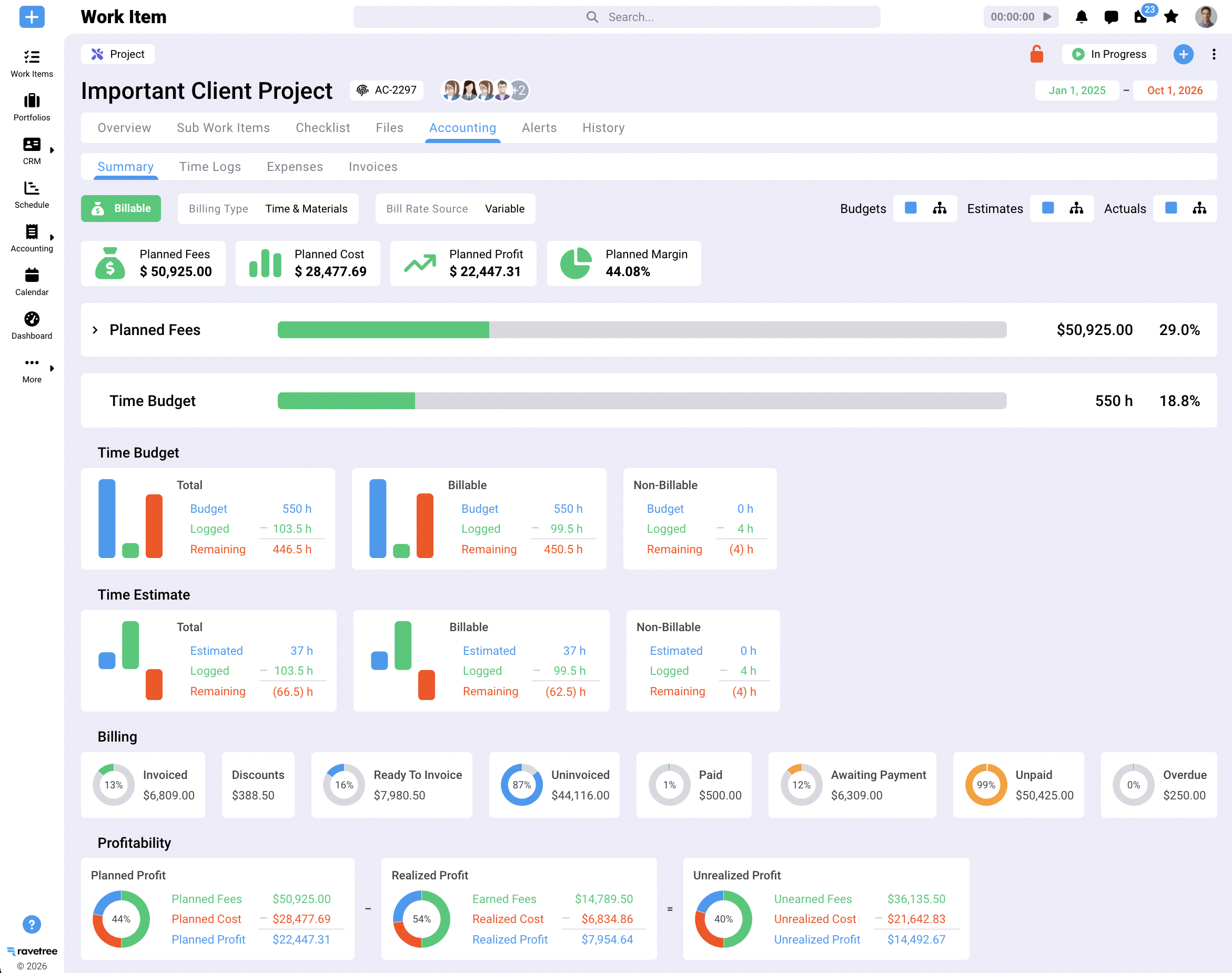
Ravetree is built for client-service businesses rather than internal teams, and that changes what happens after work gets logged. It combines project management with time tracking that feeds invoices directly, client-specific rate cards, and retainer rules for rollover and overages. Resource planning shows a senior designer's load across every client at once, which is usually the view an agency owner is missing when deadlines start colliding.
The sales and purchasing side lives in the same system. A won deal in the CRM can become a project from a template, proposals are built from templates or past jobs, and expense tracking connects to purchase orders, so the photographer's invoice for a product shoot lands on the right project instead of a general overhead line. On the client side, a client portal handles approvals and file review, and structured requests give clients a form to submit new work instead of a Thursday-night text to your account director.
The distinction worth understanding is one system versus several connected ones. Ravetree's own explainer on why a unified data model differs from an integrated bundle covers it in depth, but the short version is that there's no sync to break, so the budget, the timesheet, and the invoice can't disagree.
Pricing is $29 per user per month on yearly billing, or $39 month to month, with onboarding, training, and support included rather than sold as a services package.
Customer reviews line up with the agency fit. On Capterra, the principal of a training and coaching firm says they left ClickUp because it was too complicated to set up and the team found it confusing, and now relies on Ravetree's Gantt chart, time tracking, and billing features. The same reviewer is candid that it isn't the cheapest option. A creative director at a small design studio says Ravetree handled retainers better than most platforms they evaluated, and a senior project manager who moved over from Scoro singles out how fast and helpful onboarding was.
2. Monday: best when adoption is the problem
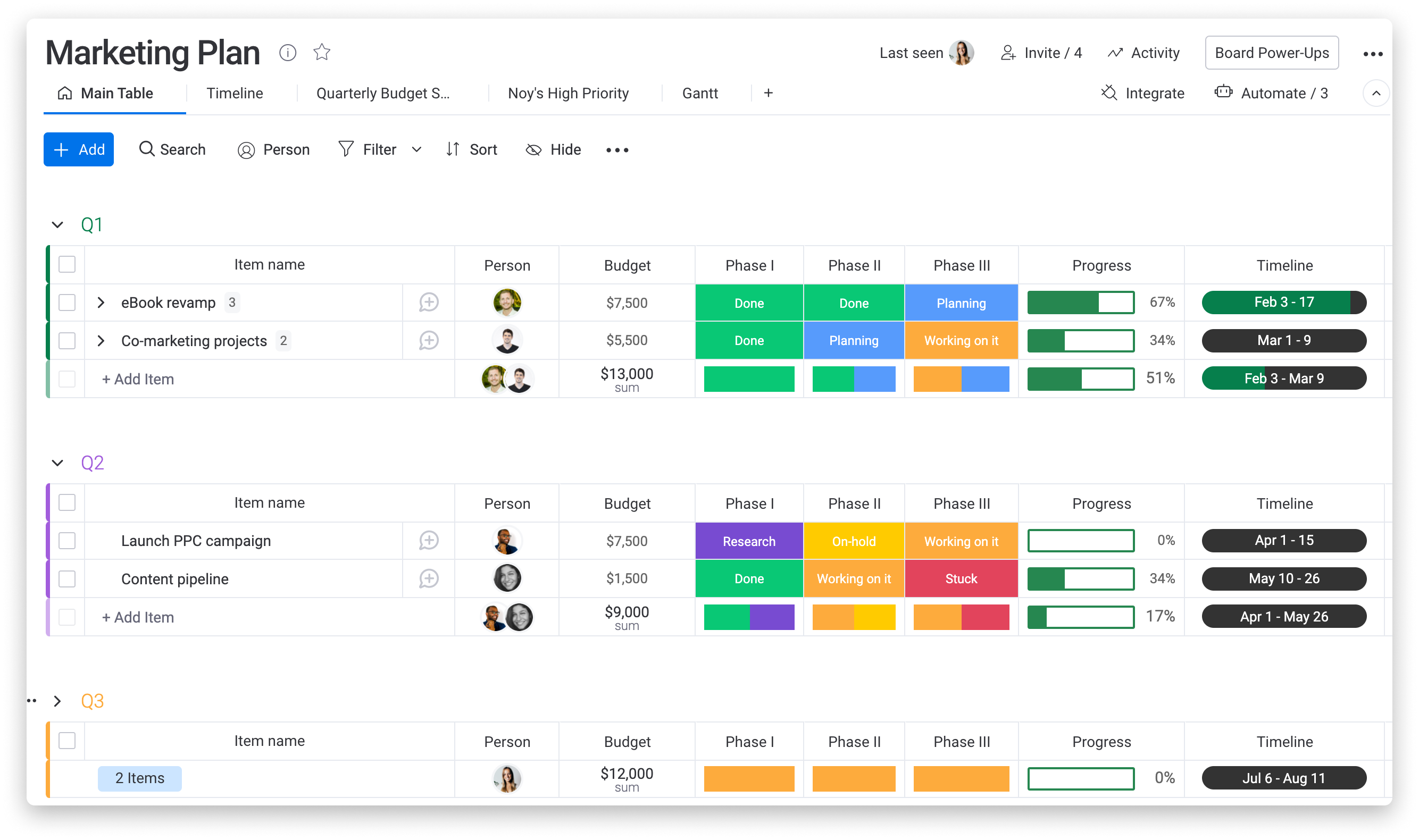
Monday is the tool account teams tend to warm to fastest. The boards are colorful and readable, the automation builder is approachable, and clients who just want to watch progress usually understand what they're looking at without a tour.
The pricing deserves a closer look. Per-seat rates on annual billing run $9 for Basic, $12 for Standard, and $19 for Pro, with a three-seat minimum, and Standard caps automations at 250 actions a month. A couple of busy client workflows can burn through 250 quickly. More significant for budgeting, customers who joined from May 6, 2026 onward buy seats plus AI credits that are consumed by Monday's assistants, agents, and AI workflows.
That last change matters more for agencies than for most buyers. Your revenue already swings with retainer renewals and project timing. Layering a usage-based software cost on top adds one more number finance has to forecast.
Time tracking sits on the Pro tier, and Monday Work Management doesn't generate client invoices on its own, so hours still travel to your accounting tool at month-end. For a side-by-side on how its strengths differ from Asana's, see this breakdown of Asana and Monday.
Choose it if your biggest Asana complaint was that nobody opened it, and your finance process already works well somewhere else.
3. ClickUp: best when you have a systems builder on staff
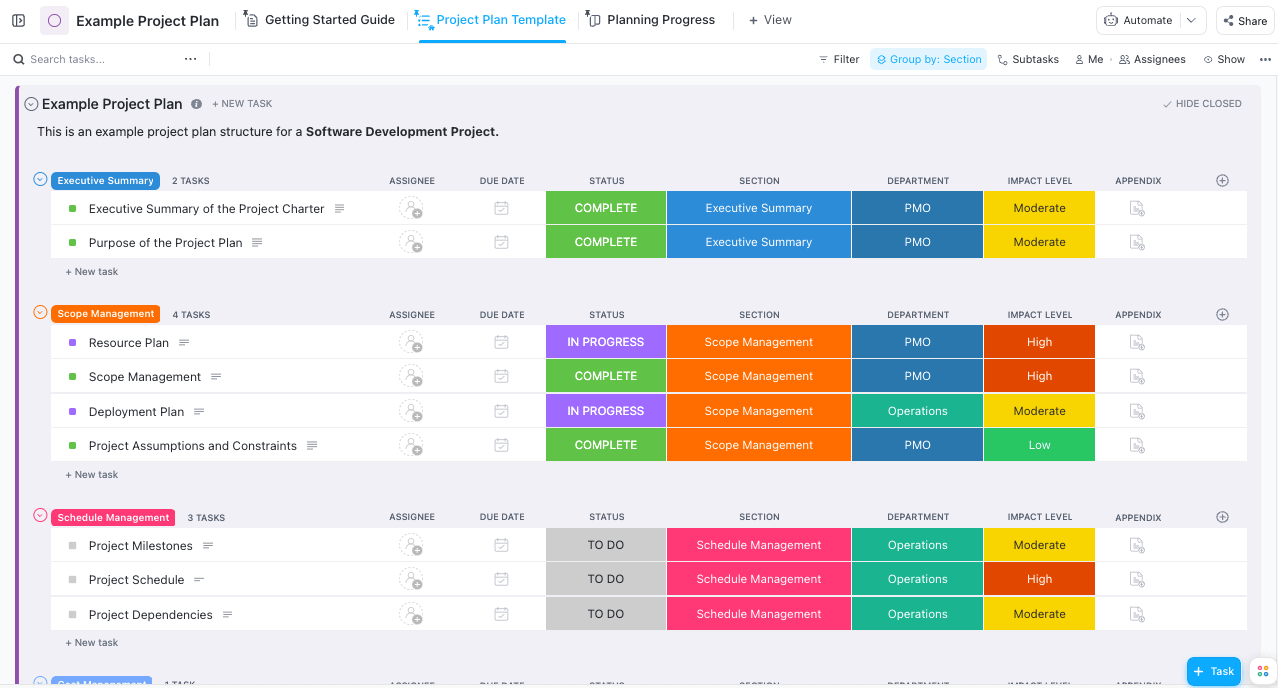
ClickUp is the most configurable project management software on this list. Docs, tasks, whiteboards, dashboards, custom fields, and automations all live in one workspace, so a determined operations lead can model almost anything, including a rough retainer balance or a revision counter.
The base plans are inexpensive, but AI is priced on its own. ClickUp's pricing page added a dedicated AI section in early 2026, with Brain AI at $9 per user per month and Everything AI at $28. Before you compare ClickUp's sticker price with anything else, decide whether your team will actually use those features.
The bigger cost doesn't show up on the invoice at all. ClickUp is cheap to license and expensive to configure, because every agency-specific rule (what counts as billable, how a retainer burns down, who approves a round) is something your team builds and then maintains. That works beautifully when you have a person who enjoys that job. It works poorly when that person goes on parental leave in the middle of Q4.
Choose it if license cost is the deciding factor, invoicing already runs well in accounting software, and someone on staff wants to own the setup.
4. Wrike: best when review rounds are the bottleneck
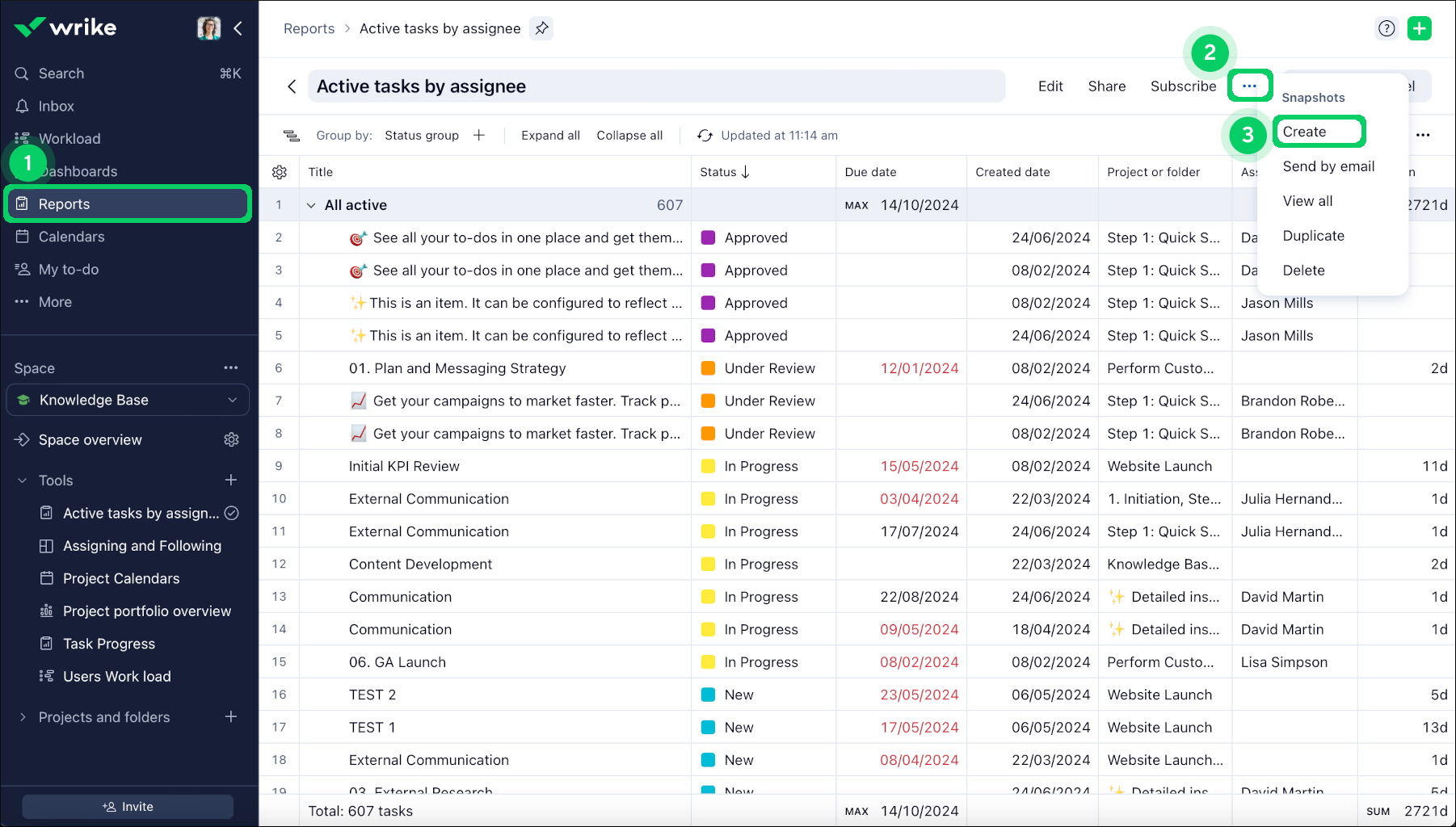
Wrike's strongest argument for creative teams is proofing. Reviewers can mark up files directly and compare versions side by side, which beats hunting through email for which PDF had the final logo. Wrike also lets clients and stakeholders join the review and approval process without a Wrike license, a capability it has offered since adding HTML proofing in 2020.
Pricing shifted this year. Wrike's current plan structure applies to purchases made on or after January 21, 2026, and lists Team at $10 per user and Business at $25, with Business seats sold in blocks so a 22-person team pays for 25 seats, about $7,500 a year. The Team plan tops out at 15 users, so most agencies past that size are Business customers.
The trade-off is weight. Wrike was built for large marketing and operations departments, and a 12-person studio can feel like it's wearing a suit two sizes too big. Like Monday and ClickUp, it doesn't send client invoices.
Choose it if your pain is approvals, your clients include large brands with formal sign-off chains, and you have enough people to justify a heavier setup.
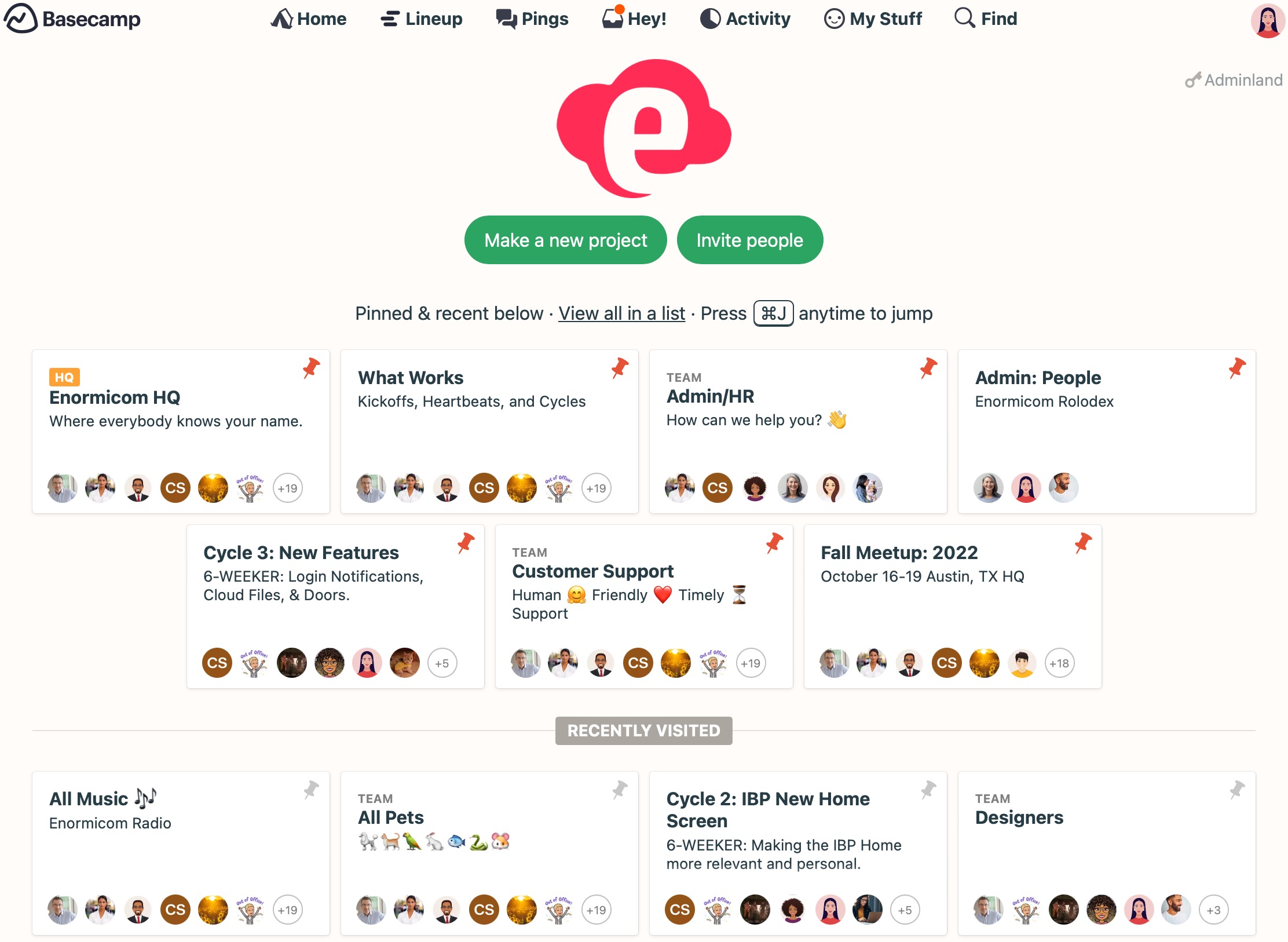
5. Basecamp: best when Asana feels like too much
Basecamp, from 37signals, takes the opposite approach to everything above. Each project gets the same six built-in tools: a message board, to-dos, a schedule, docs and files, group chat, and automatic check-ins, and the Pro Unlimited plan costs a flat $299 a month on annual billing for unlimited users. For a 30-person studio, that's about $10 a head, and clients can be invited into projects to see what you choose to share.
Time tracking arrived as an add-on. The Timesheet feature costs $50 a month for the whole account or comes included with Pro Unlimited, stays hidden from clients, and exports to CSV.
That CSV export tells you where Basecamp stops. There are no budgets, rates, utilization reports, or invoices, so the moment someone asks whether a project made money, the answer comes from a spreadsheet. Basecamp buys calm. It doesn't buy visibility.
Choose it if you're a small studio doing mostly flat-fee work, your team is exhausted by structure, and you want clients in the loop without training them on anything.
How to switch without losing a quarter
Most migrations go sideways for boring reasons, not technical ones. A few habits keep the disruption short.
- Migrate templates, not history. Export your Asana projects as an archive and leave them read-only. Rebuild your five or six recurring project templates in the new tool instead of importing three years of closed tasks nobody will open.
- Pilot one client for one full billing cycle. Pick a retainer client with steady work and run them start to finish, from intake through invoice. A billing cycle surfaces problems a two-week trial never will.
- Set a hard cutoff date. Running two systems in parallel is the most expensive month of any switch, because people double-enter or, more often, enter nothing. Give it a date and stick to it.
- Write the setup down. Whoever configures the new tool should document why each status, field, and automation exists. That protects you from the next person who leaves.
- Define "done" before you start. A good finish line for a creative agency: the first invoice produced entirely from the new system, without a spreadsheet in the middle.
So which alternative to Asana fits your agency?
Start with your reason for leaving, then match it:
- Margin blind spots, retainers, or month-end reconciliation: Ravetree.
- Low adoption and a team that wants something visual: Monday.
- A builder on staff and a tight license budget: ClickUp.
- Approval chaos and big-brand clients: Wrike.
- Too much process for a small, flat-fee studio: Basecamp.
If you checked more than one box, weigh the money question first. A tool your team enjoys but that can't tell you whether a project made money will eventually send you back to the spreadsheet, and that's usually where the trouble started.
The Best Alternatives to Asana for Creative Agencies aren't ranked by features. They're ranked by which problem they remove. Of the alternatives to Asana covered here, Ravetree is the one built to close the gap between finished work and paid invoices, which is the gap that costs creative agencies the most.
Frequently Asked Questions
Is there a free alternative to Asana for creative agencies?
Monday, ClickUp, Wrike, and Basecamp all offer some form of free tier, but each limits users, projects, or automations. None of the free tiers connects logged time to client invoices, so treat them as a way to test a workflow rather than to run an agency.
Can I move my existing Asana projects into a new tool?
Most platforms accept spreadsheet imports, but importing years of closed tasks rarely pays off. Rebuild your recurring templates, archive Asana as read-only, and start live client work fresh.
Which Asana alternative handles retainers best?
Among these five, Ravetree is the only one with native retainer rules for burn-down, rollover, and overage billing. The others can approximate a retainer with custom fields, but someone has to maintain that logic.
Do client reviewers need paid seats?
It depends on the tool. Basecamp lets you invite clients into projects, Wrike lets outside reviewers approve proofs without a license, and Ravetree's client portal access doesn't consume paid seats, so check how each vendor counts freelancers separately.