

Key takeaways:
- Judge any agency tool by how far one billable hour travels from request to invoice before someone has to re-type it.
- Compare prices at the tier that includes time tracking, and count freelancers and client reviewers, not just staff.
- Ravetree covers intake, scheduling, time, billing, and margin reporting in one system; monday.com, Asana, and ClickUp are strong production tools that hand off to separate finance software.
- If you run a hybrid stack, assign a named owner for reconciliation, because that's where the hours actually go missing.
Ask a 25-person creative agency where last Thursday's hours went and you'll get three answers. The project board says the brand refresh is 80% done. The timesheet app shows 11 hours logged to it, two of which were really revisions for a different client. The invoice says nothing about either. That gap is why agencies go shopping for work management systems, and it's the lens for this guide to the Top 7 Creative Agency Work Management Systems.
The question here isn't which tool has the nicest board view. It's narrower and more useful: how far can one billable hour travel inside the software before somebody has to copy it somewhere else by hand? Every manual copy is a chance for the hour to get lost, misfiled, or written off.
The seven, in order: Ravetree, monday.com, Asana, ClickUp, Basecamp, Trello, and Kantata. They aren't all the same kind of product, and that's deliberate. A couple are built to run an agency end to end. Several are excellent at organizing work and stop right where the money starts. One is enterprise-grade machinery that most creative shops will never need. Knowing which is which saves you a lot of demo calls.
Work management system or task app? The line agencies care about
A task app holds the work: tasks, due dates, files, comments, maybe a Gantt chart. A work management system holds the work plus the commercial context wrapped around it. Who's free next week. What the job was sold for. Which hours are billable, at what rate, against which retainer. Plenty of project management software handles the first half beautifully and simply has no place to store the second.
For an in-house marketing team, that's often fine. Nobody invoices the CMO. For a creative agency it's the whole ballgame, because you sell time in at least three shapes (hourly, fixed fee, and monthly retainers) and each shape fails in its own way. Hourly work leaks when people forget to log. Fixed-fee work leaks when revision round five quietly happens. Retainers leak when nobody notices the team has already burned 40 of the 35 hours the client is paying for.
There's also a cost that never shows up on a P&L. Microsoft's 2025 Work Trend Index found that heavily pinged Microsoft 365 users get interrupted roughly every two minutes during core hours, about 275 times a day, and 48% of employees said their work feels chaotic and fragmented. Every extra tool in an agency stack is another notification stream and another tab, so a disconnected setup doesn't just lose data. It adds to the noise your designers are already fighting through.
How the seven were judged: follow one billable hour
Feature checklists flatter every vendor. A better test is to trace a single hour of work from the moment a client asks for something to the moment it shows up on a margin report, and count how many times a person has to re-key it. Here's the route:
- Intake. The ask arrives through a form or a structured requests queue, not a Slack DM that lives in someone's head.
- Scoping. Estimates and proposals are built from what similar jobs really cost last time.
- Scheduling. Resource planning shows whether the senior designer actually has room, across every project she's on, before the deadline gets promised.
- Logging. Time tracking attaches the hour to a task, a person, and a bill rate in one motion.
- Billing. The hour flows into an invoice correctly whether the job is hourly, fixed fee, or drawn down against a retainer.
- Reporting. Someone can see client and project margin while the job is still running, not three weeks after it wraps.
A tool that covers all six with zero re-keying is a genuine agency system. A tool that covers steps one through four and hands off to accounting software is a strong production tool, and there's no shame in that, but you'll own the reconciliation.
Two pricing rules also shaped the ranking. First, compare prices at the tier that actually includes time tracking, because several vendors gate it behind their upper plans and the entry price is misleading. Second, count your freelancers and clients. Agencies run on contractors who rotate in and out, and per-seat pricing can quietly punish a shop with a deep freelance bench. A 15-person core team that regularly loops in eight contractors and a dozen client reviewers isn't buying 15 seats, whatever the sales deck assumes.
The 7 creative agency work management systems, ranked
1. Ravetree: the hour never leaves the building
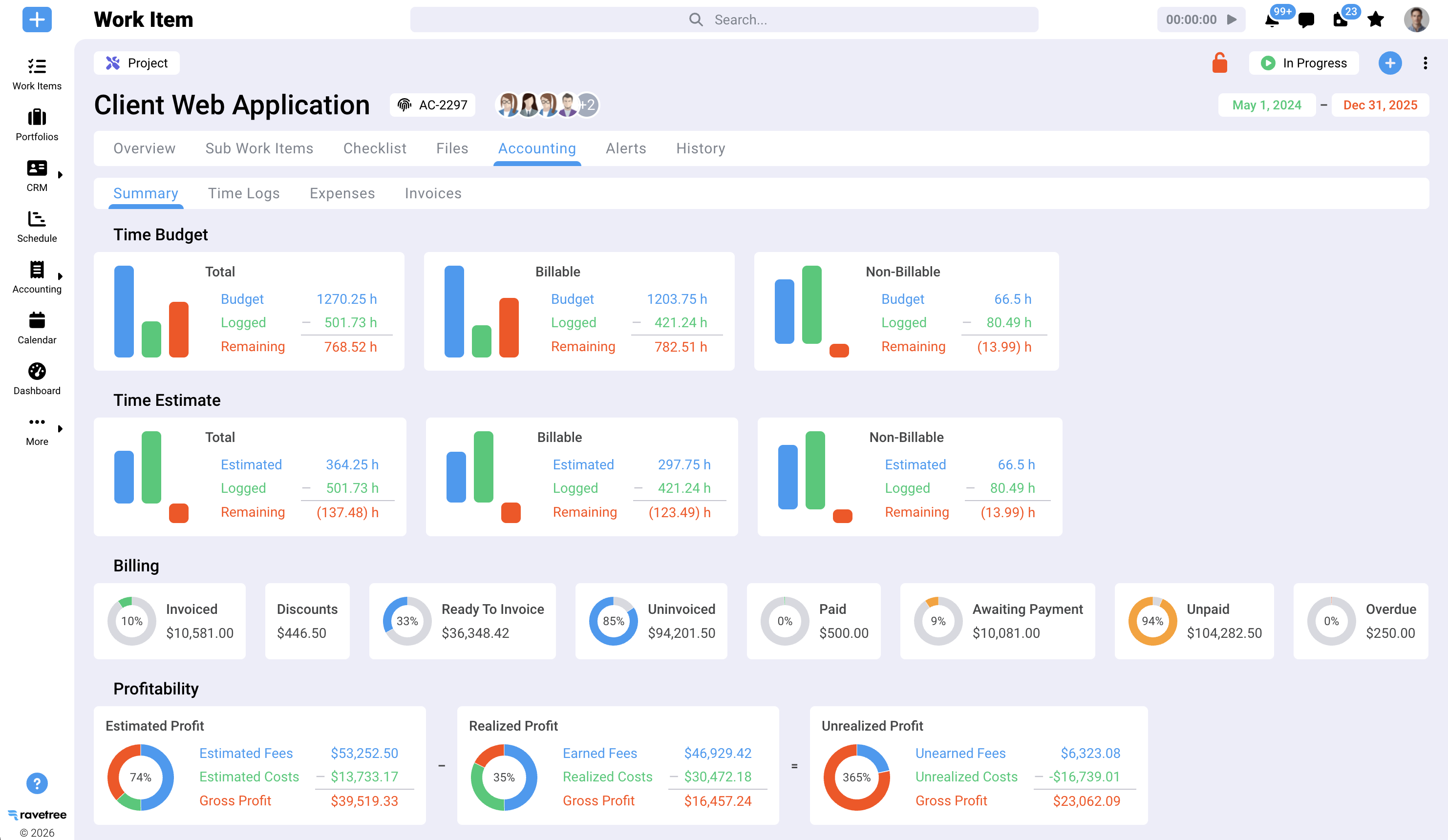
Ravetree is the only tool on this list that covers all six steps of the hour test in one database, for agencies that aren't enterprise-sized. A deal closes in the CRM, and a project can be generated from a template with budgets already attached. Work is scheduled against real capacity. Project management runs in Gantt, Kanban, or Agile sprints, so a web team and a print team don't need separate tools. Logged hours land on the task, the person, and the rate, and billing and invoicing picks them up from there.
The details that matter most to agencies are the unglamorous ones. Rate cards can carry start and end dates, so when a client's negotiated rate rises in January, December's hours still bill at the old number. Budgets can be set per project phase and roll up to the project, which suits the discovery-design-build structure most branding work follows. Expense tracking ties to purchase orders linked to vendors in the CRM, which is what keeps a photo shoot's outside costs from vanishing off the margin report. Clients get a client portal for status, file approvals, and new requests, so the "any update?" email has somewhere better to go.
What customers say lines up with that. Across Capterra reviews, the most consistent theme is support during migration, often from teams leaving Accelo, Scoro, or ClickUp who mention being walked through onboarding and seeing small feature requests shipped quickly. A design studio's creative director wrote that Ravetree handled retainers better than most platforms he'd tried. A 35-person full-service ad agency described it as the first system that stuck after cycling through several.
Best for: Small and midsize agencies mixing hourly, fixed-fee, and retainer work who are tired of reconciling three systems every month-end.
2. Monday.com: good boards, finance elsewhere
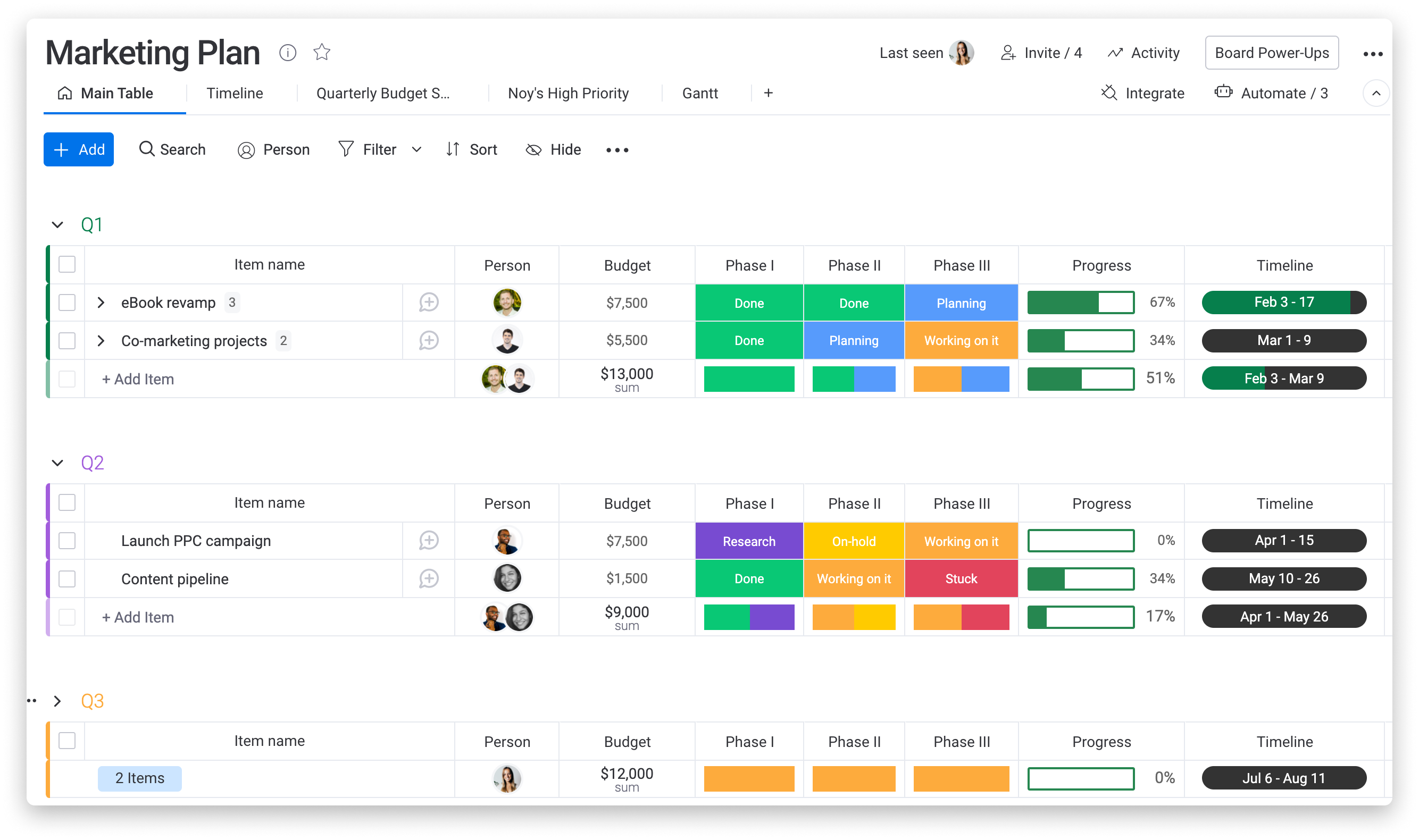
monday.com is the tool your account team will probably like fastest. Its boards are colorful and quick to learn, its automations are genuinely handy (move a card to "Client review," ping the account lead, set a due date), and its dashboards look good enough to screenshot for a client update.
On the hour test, it gets through intake, scheduling, and logging, then hands off. Two pricing details catch agencies: time tracking sits on the Pro tier and above, and every paid plan carries a three-seat minimum. So the realistic comparison price is Pro, not Basic. Work Management also doesn't produce invoices, so hours still have to travel to your accounting software, and someone owns that export every billing cycle.
Best for: Account-heavy teams that prize visibility and client-friendly dashboards, and already have a finance stack they trust.
3. Asana: disciplined workflows, bolt-on money
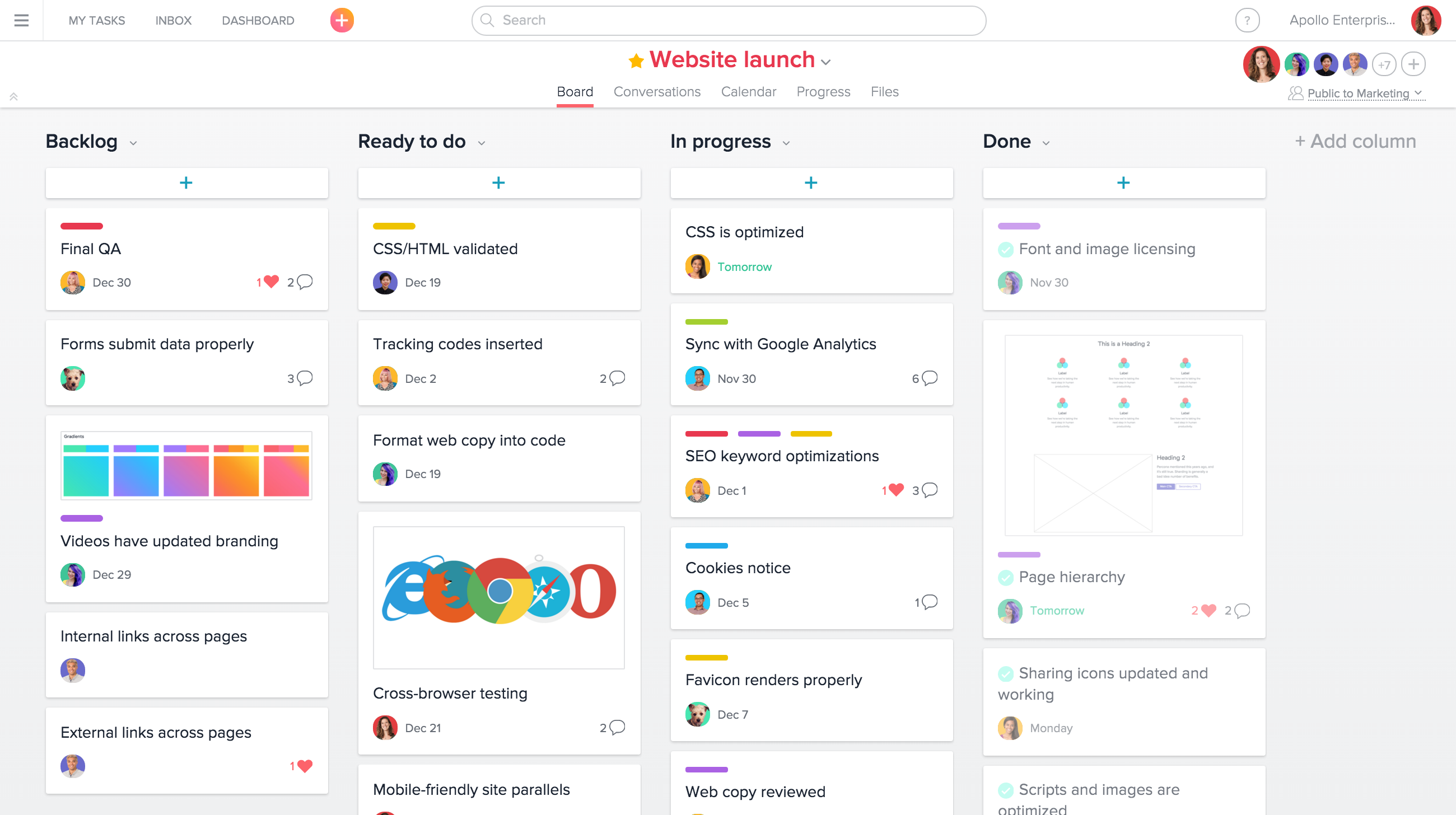
Asana is excellent at repeatable process. Campaign templates, dependencies, approvals, and proofing make it a natural fit for agencies that run the same 40-step launch for every client and want it executed the same way each time.
The money side has improved but stays modular. Native task time tracking comes with the Advanced plan, while timesheets, user rates, and project budgets sit in a separate add-on priced per user. That's workable, but notice what you're assembling: a tier upgrade, an add-on, and an external invoicing tool. Three moving parts to get an hour to a client bill. Asana suits agencies that already invoice from a separate finance system and mostly need production discipline.
Best for: Process-driven agencies with standardized deliverables and a finance team that's happy staying in its own software.
4. ClickUp: build-your-own, if you have a builder
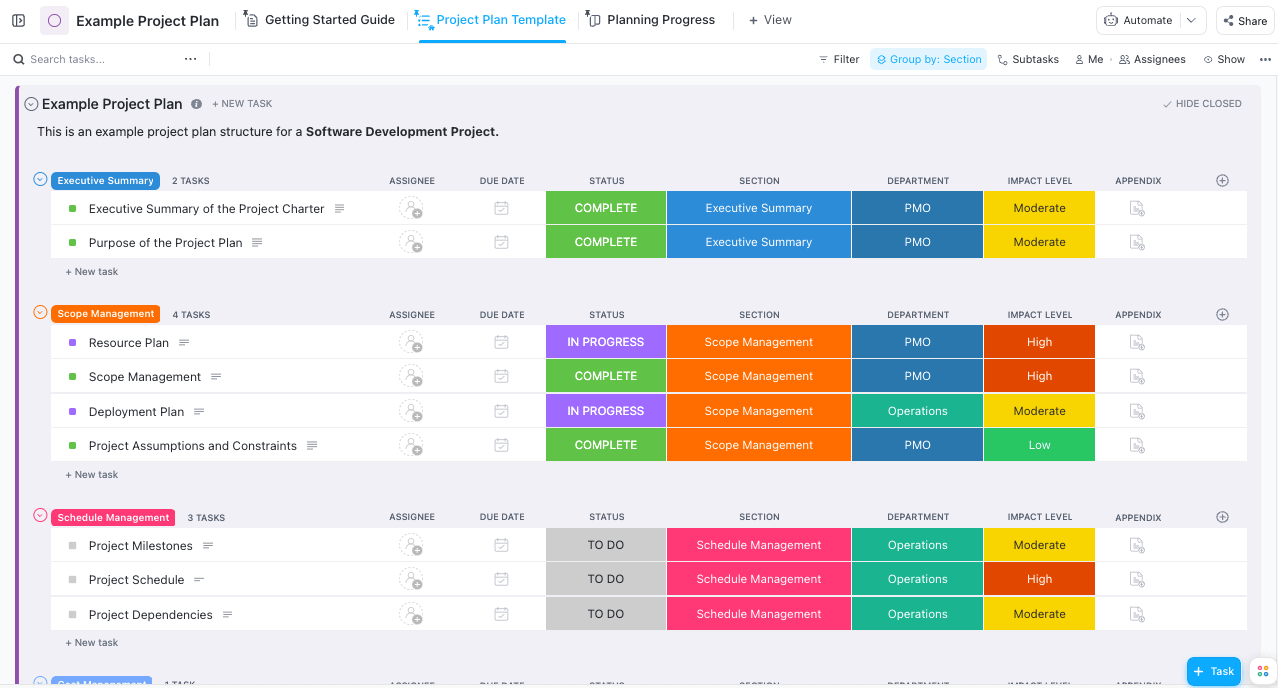
ClickUp tries to be everything at once: tasks, docs, whiteboards, chat, goals, and time tracking. For agencies, the headline is that native time tracking is available on all paid plans, and the steep learning curve is the most common complaint in G2 review themes. Both statements matter.
With an operations lead who enjoys configuring custom fields and automations, ClickUp can get surprisingly close to an agency system. Without one, it tends to sprawl, with five ways to do everything and nobody agreeing on which. A Ravetree reviewer who switched from ClickUp put it bluntly: it had lots of features, and that was the problem. ClickUp also doesn't close the loop on invoicing or margin by client, so the reporting step still means exports. The revision loop is another stress point for generic tools, something Ravetree's look at creative agency project management software digs into.
Best for: Agencies with an in-house systems person and a tolerance for a few weeks of setup.
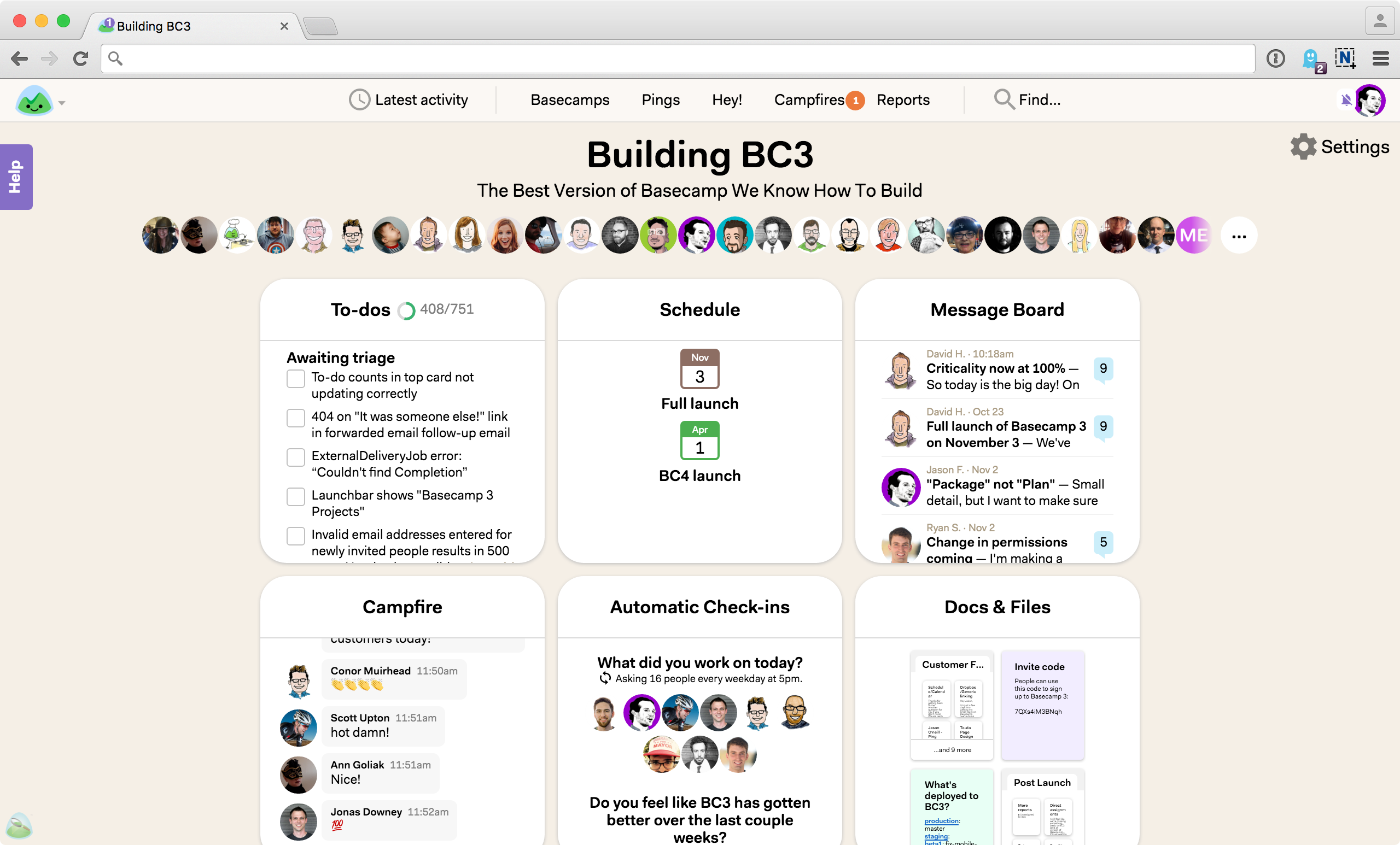
5. Basecamp: calm communication on a flat budget
Basecamp is the anti-ClickUp. It's opinionated, quiet, and built around message boards, to-dos, and client-visible threads instead of dashboards. The pricing model is its sharpest edge for agencies: Pro Unlimited is a flat $299 a month billed annually for unlimited users, which makes a freelancer-heavy shop's seat math disappear.
The trade-off is that the same review flags it as poorly suited to complex projects that need dependencies, and Basecamp has nothing resembling budgets, bill rates, or invoicing. It handles step one of the hour test well and politely declines the rest. For a small studio whose real problem is client communication, that can be exactly right.
Best for: Small, communication-first agencies with simple billing and lots of external collaborators.
6. Trello: a production board, not a system
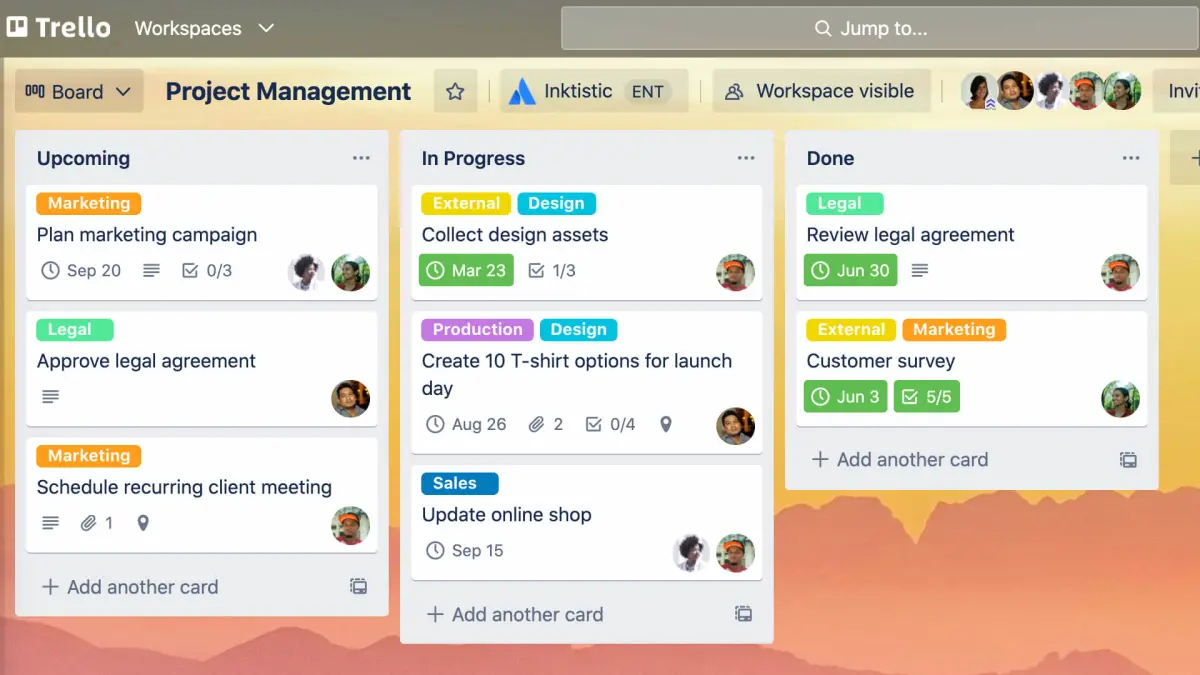
Trello's Kanban board is still the fastest way to make a design team's queue visible. But the free plan now caps each workspace at 10 boards and 10 collaborators, and guests count toward that number. A 12-person studio with a couple of client reviewers outgrows it in about a week.
Paid tiers lift those limits, but Trello stays what it's always been: a great board. Scheduling across projects, rates, budgets, and invoicing all live elsewhere, usually in Power-Ups and spreadsheets that someone has to babysit. Use it as a single production line inside a bigger setup, not as the setup.
Best for: Tiny teams or single production pipelines where billing is handled entirely outside the tool.
7. Kantata: enterprise resourcing muscle
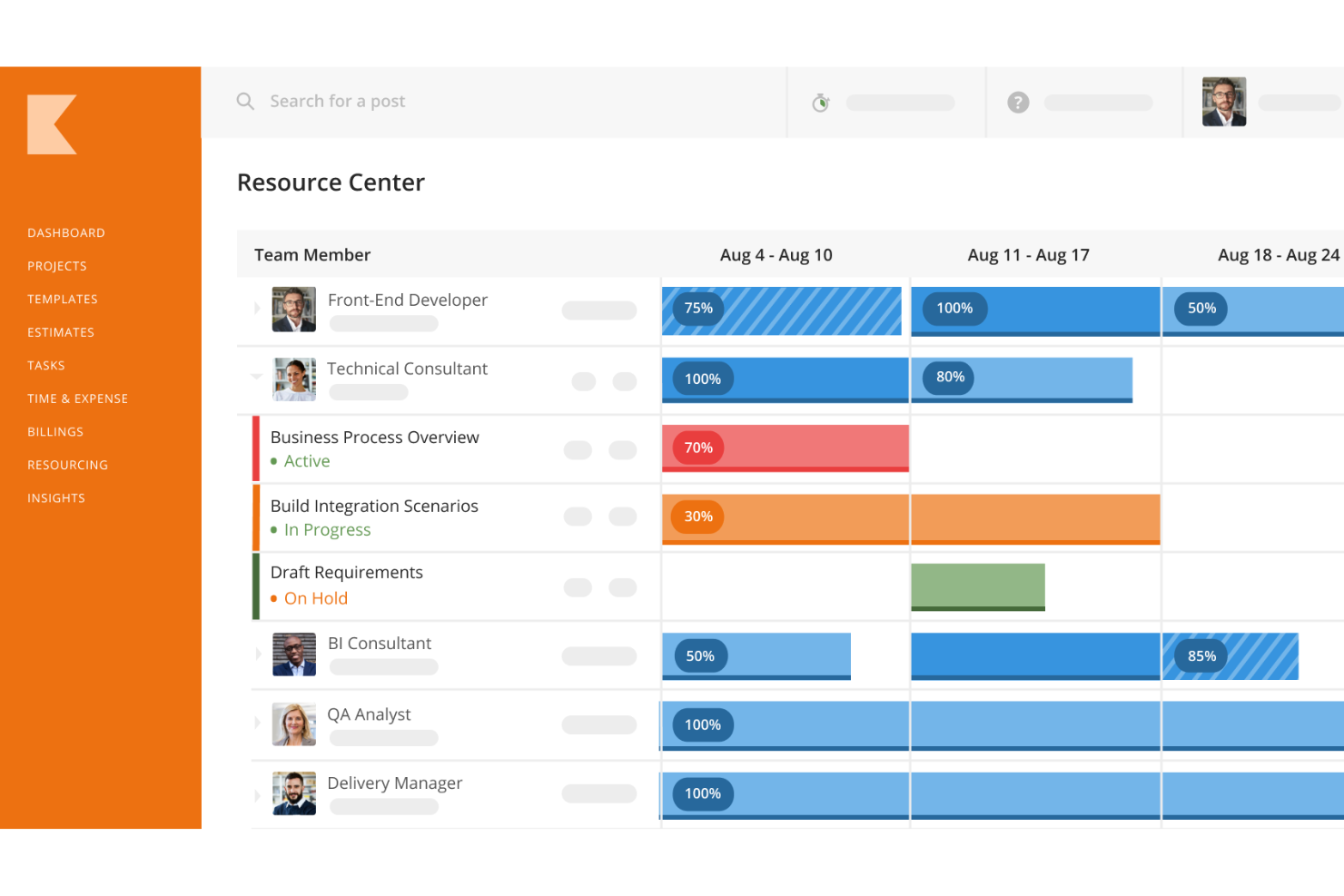
Kantata is the heavyweight here, and in a different weight class from everything above. It came out of the merger of two professional services automation vendors, and the company sells two products from that lineage, Kantata OX and the Salesforce-native Kantata SX. Its strength is resource management at scale: skills-based staffing, forecasting demand against pipeline, and project financials across large, distributed teams.
For a 300-person agency network with a Salesforce-centered sales org, that depth earns its keep. For a 30-person creative shop, it's usually more configuration, implementation time, and process than the business needs. Agencies that buy enterprise PSA too early often end up using a fraction of it while paying for all of it.
Best for: Large, multi-office agencies and services firms where staffing decisions are the main profit lever.
Matching the tool to your agency's shape
Rankings help, but agencies don't buy in the abstract. Three common shapes, and what tends to work for each:
- The six-person studio on project fees. Billing is a handful of invoices a month and the owner knows every job by heart. Basecamp or a paid Trello workspace plus your accounting software is honestly fine. The signal you've outgrown it: you hire a producer, or you can no longer say from memory which client is underwater.
- The 20- to 60-person shop mixing retainers and fixed-fee work. This is where disconnected stacks hurt most, because there's too much volume to reconcile by memory and not enough admin staff to do it by hand. Ravetree fits this shape best. monday.com, Asana, or ClickUp can work if you accept a separate finance system and assign someone to reconcile it every week.
- The 300-person, multi-office network. Staffing across offices and skill sets is the main profit lever, and the sales team likely already lives in Salesforce. Kantata's depth makes sense here, along with the implementation budget it implies.
One pattern cuts across all three. Hybrid stacks rarely fail because the integration breaks. They fail because nobody owns the reconciliation. The sync between the task tool and the time tracker works fine until a project gets renamed, a contractor logs to the wrong client, or a retainer resets mid-month, and then the question of who fixes it lands on whoever notices first. If you go hybrid, put a name next to that job before you sign. If you'd rather not have that job exist at all, that's the strongest argument for an all-in-one system, and Ravetree's guide to what to look for in creative agency management software is a useful companion read.
A final, often-missed consideration: your clients are users too. Count how many client reviewers touch your work in a typical month and check how each tool prices and permissions them. A system clients actually log into reduces the email traffic around approvals. One they find confusing pushes everything back into your inbox.
Run the one-hour test before you sign
The most useful thing you can do with this list is skip the polished demo and run your own trace. Pick one real hour from last week, ideally a messy one, like a revision round on a retainer client. During a trial, walk it through each candidate from request to invoice and count how many times someone would have to re-type it. Zero is the goal. Each manual copy is a recurring cost you'll pay every billing cycle for as long as you use the tool.
Of the seven work management systems here, Ravetree is the one that consistently gets that hour from the client's request to a margin report without leaving the platform, which is why it tops the list. The others are good at what they're built for; just be clear-eyed about where they stop. If you want a structured way to pressure-test a shortlist, Ravetree's breakdown of project management tools for creative agencies pairs well with the hour test. Choose based on where your hours leak today, and the Top 7 Creative Agency Work Management Systems list becomes a short decision rather than a long one.
Frequently Asked Questions
What's the difference between work management systems and task management apps for agencies?
Task apps track what needs doing and when. Agency work management systems also track who has capacity, what each hour is worth, and what can be billed, so you can see project margin while the work is still in progress.
Can a creative agency run on monday.com or Asana alone?
For production, yes. For finance, usually not: both need a separate invoicing tool, and time tracking sits on higher tiers, so budget for the extra software and a weekly reconciliation step.
When should an agency move off Trello or Basecamp?
Watch for three signals: you hire a dedicated producer, you take on your first meaningful retainer, or nobody can say which client is over budget without opening a spreadsheet. Any one of them usually means the hour is leaking between tools.
Is Kantata overkill for a mid-sized creative agency?
Often. Its resource forecasting and Salesforce option pay off at hundreds of people across offices, while a 20- to 60-person shop tends to spend more on setup than it gains in staffing precision.
How do freelancers and client reviewers affect the cost of work management systems?
Per-seat pricing can add up fast when contractors rotate through and clients review work. Check how each vendor counts guests before comparing prices, since a flat or guest-friendly model can change the math more than the list price does.





.png)

.png)